
0.4
Una vista Año, Google, Apple y Notion, participantes
Esta versión añade una vista Año, conecta Mitra con los calendarios que la mayoría ya tiene, Google, Apple y Notion, trae personas a tus eventos y hace que Mitra se sienta en casa en un teléfono.
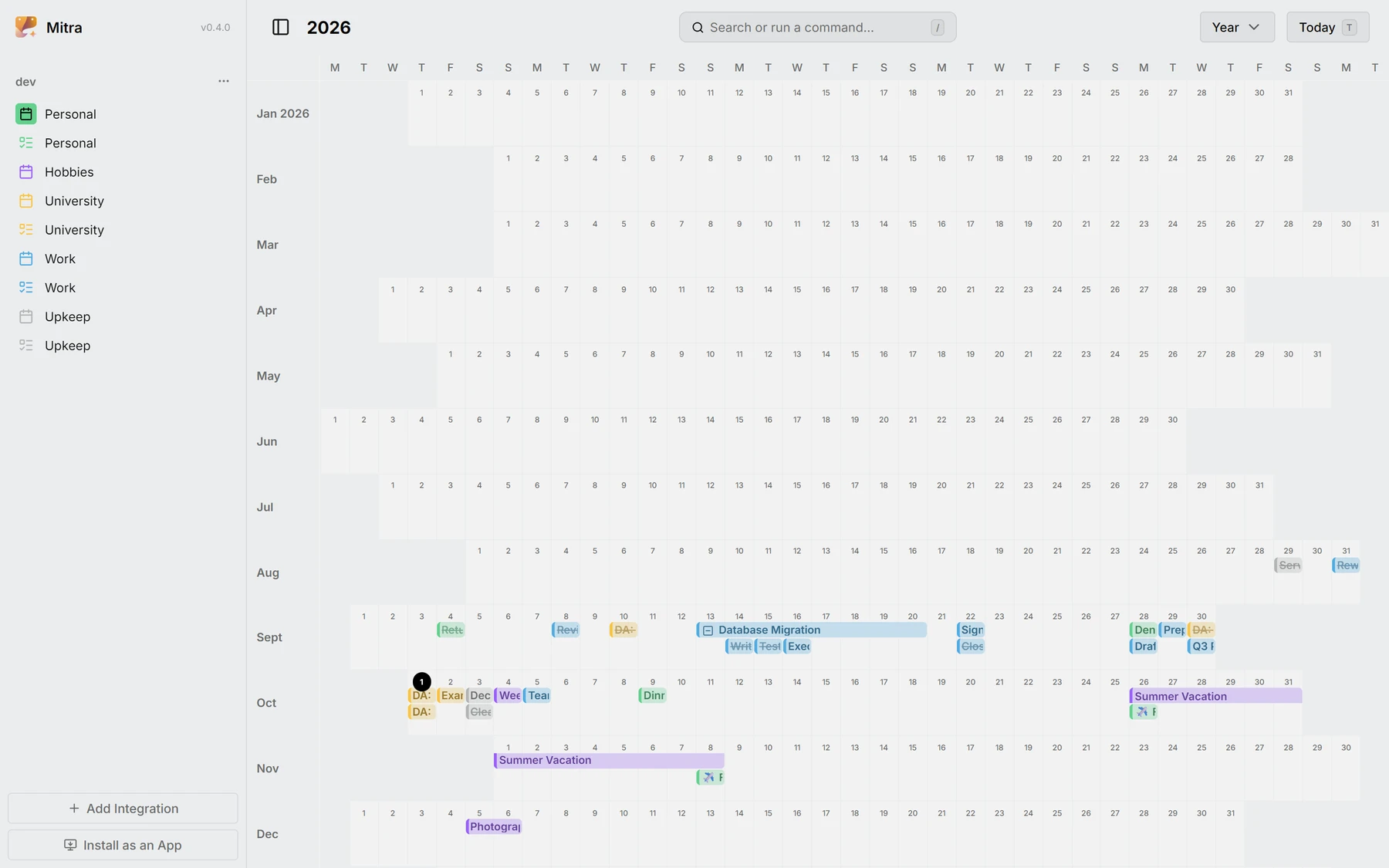
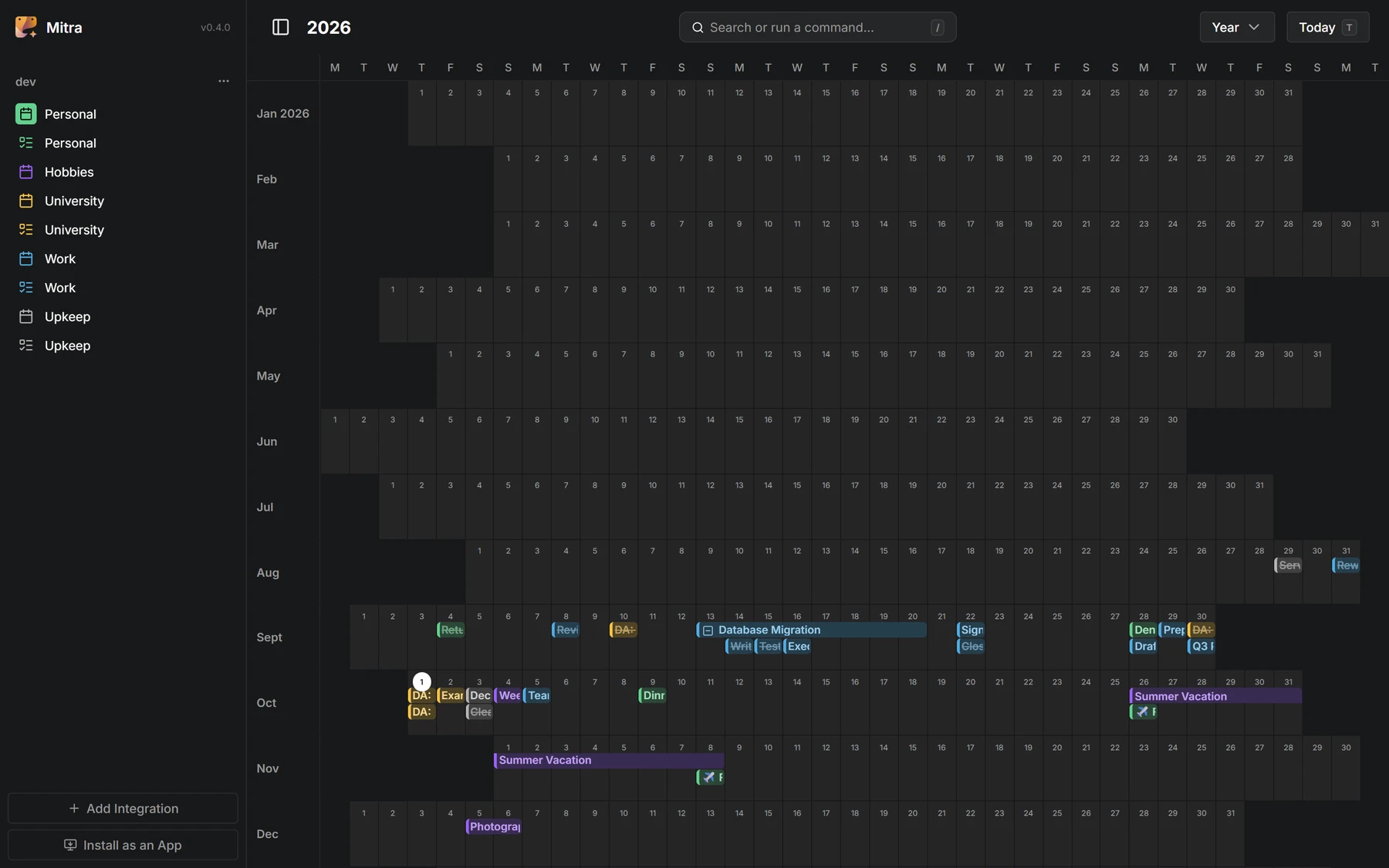
Vista Año
El año entero en una pantalla, cada día una celdita, para encontrar la semana libre o ver una estación de un vistazo.
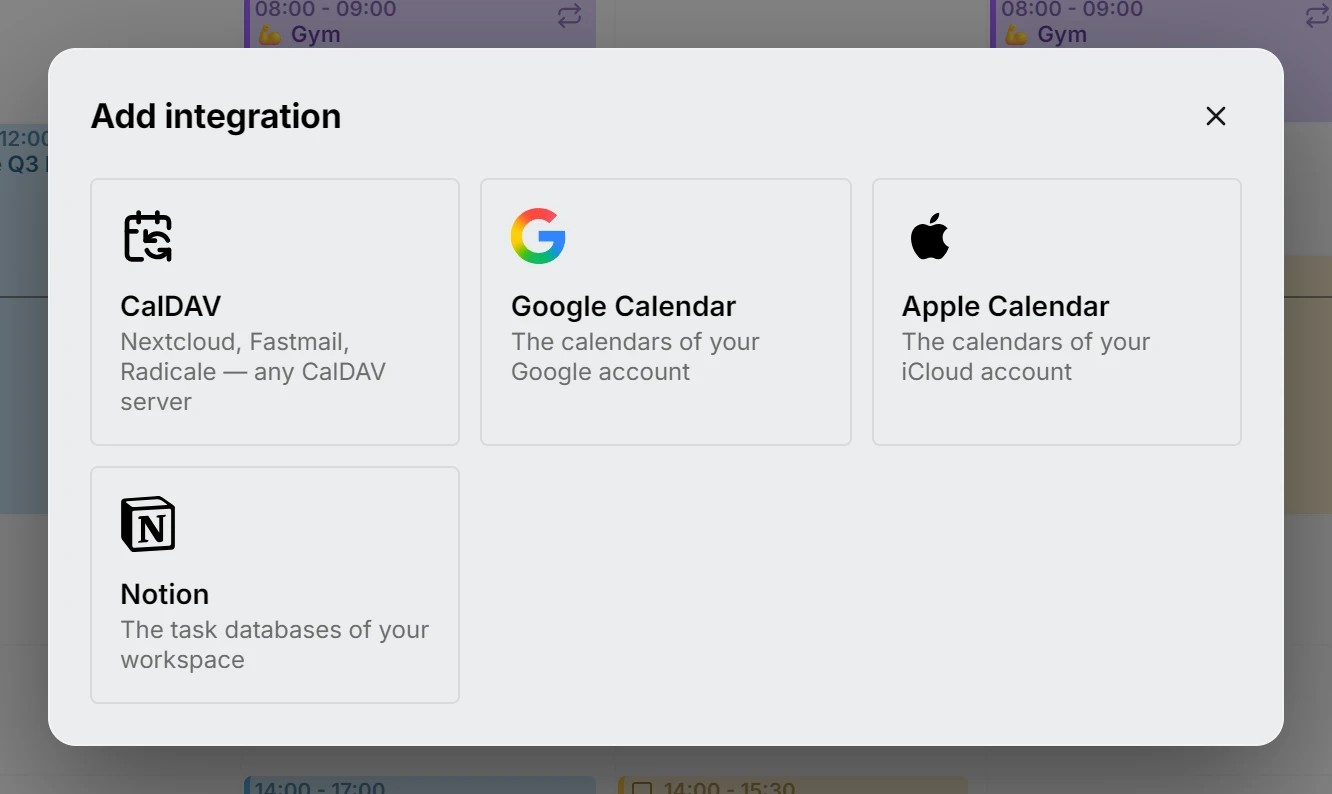
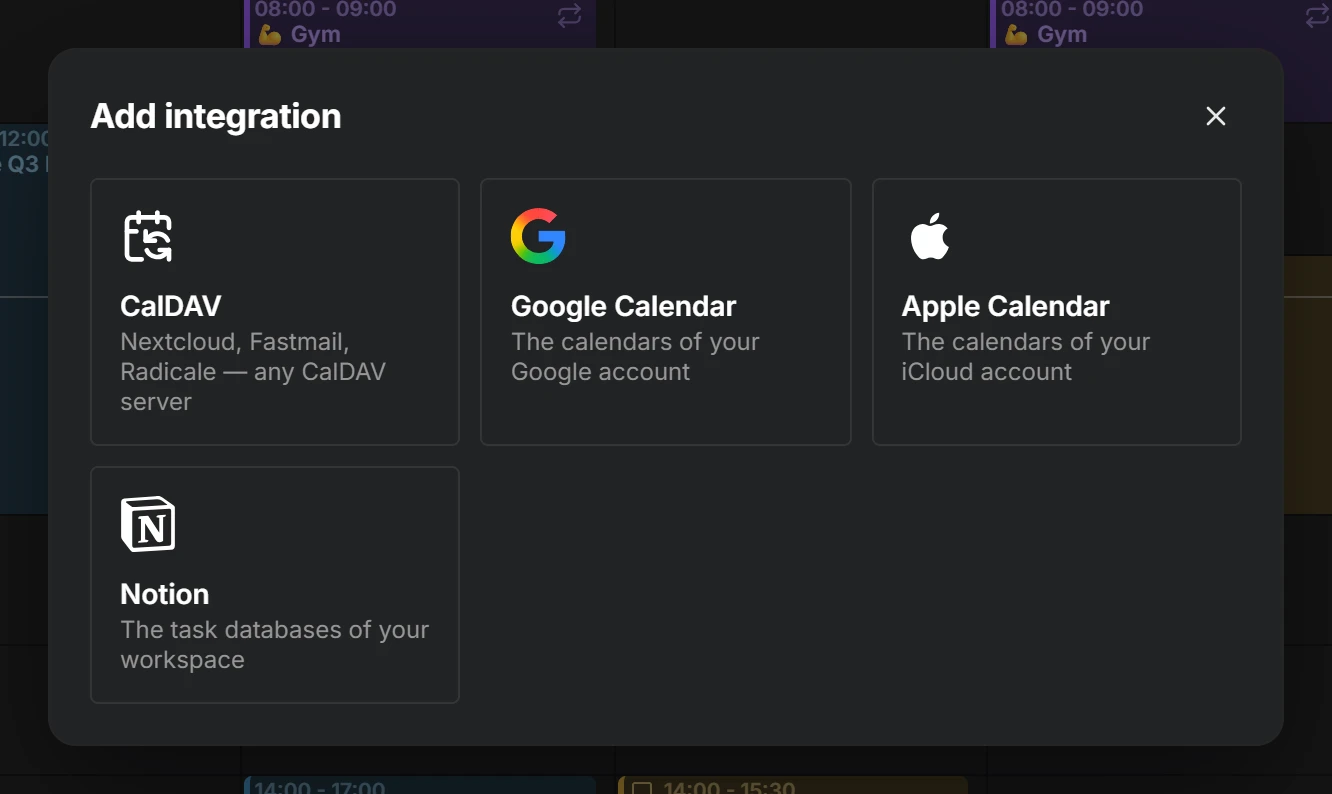
Google Calendar, Apple Calendar y Notion
Inicia sesión con Google, añade una contraseña de aplicación para iCloud o pega un token de Notion, y tus calendarios y bases de datos quedan lado a lado en una misma semana. Una vista de Notion se convierte en un calendario y el cuerpo de una página pasa a ser la descripción de su entrada.
Participantes
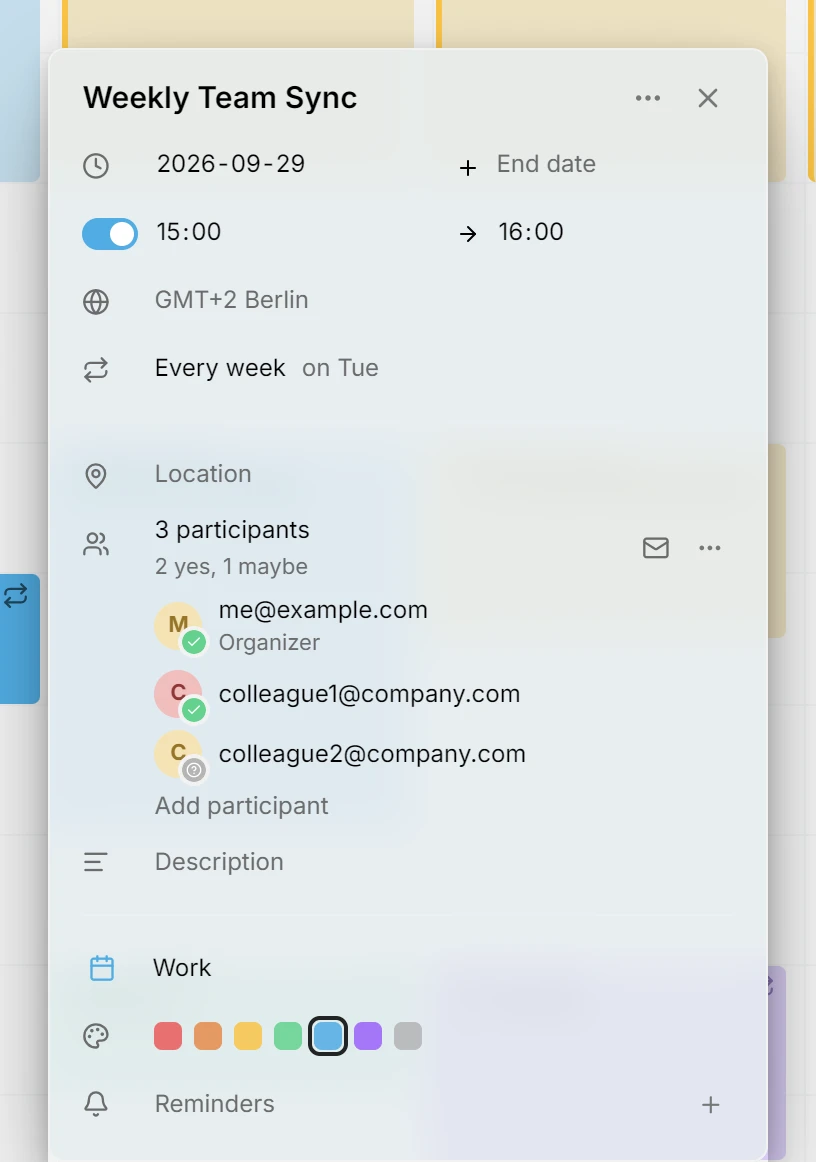
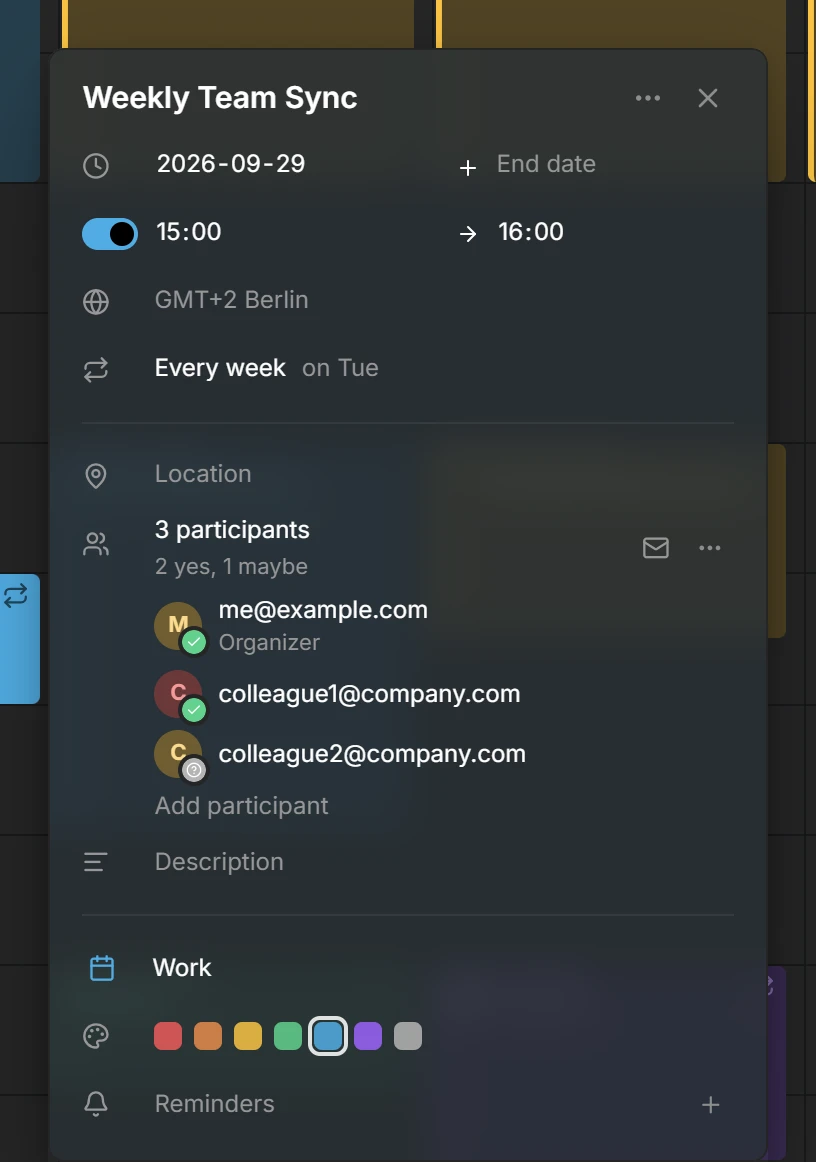
Invita a personas a un evento, mira quién ha dicho que sí y responde a las invitaciones que recibes, a través de los calendarios que las entregan.
Zonas horarias por entrada
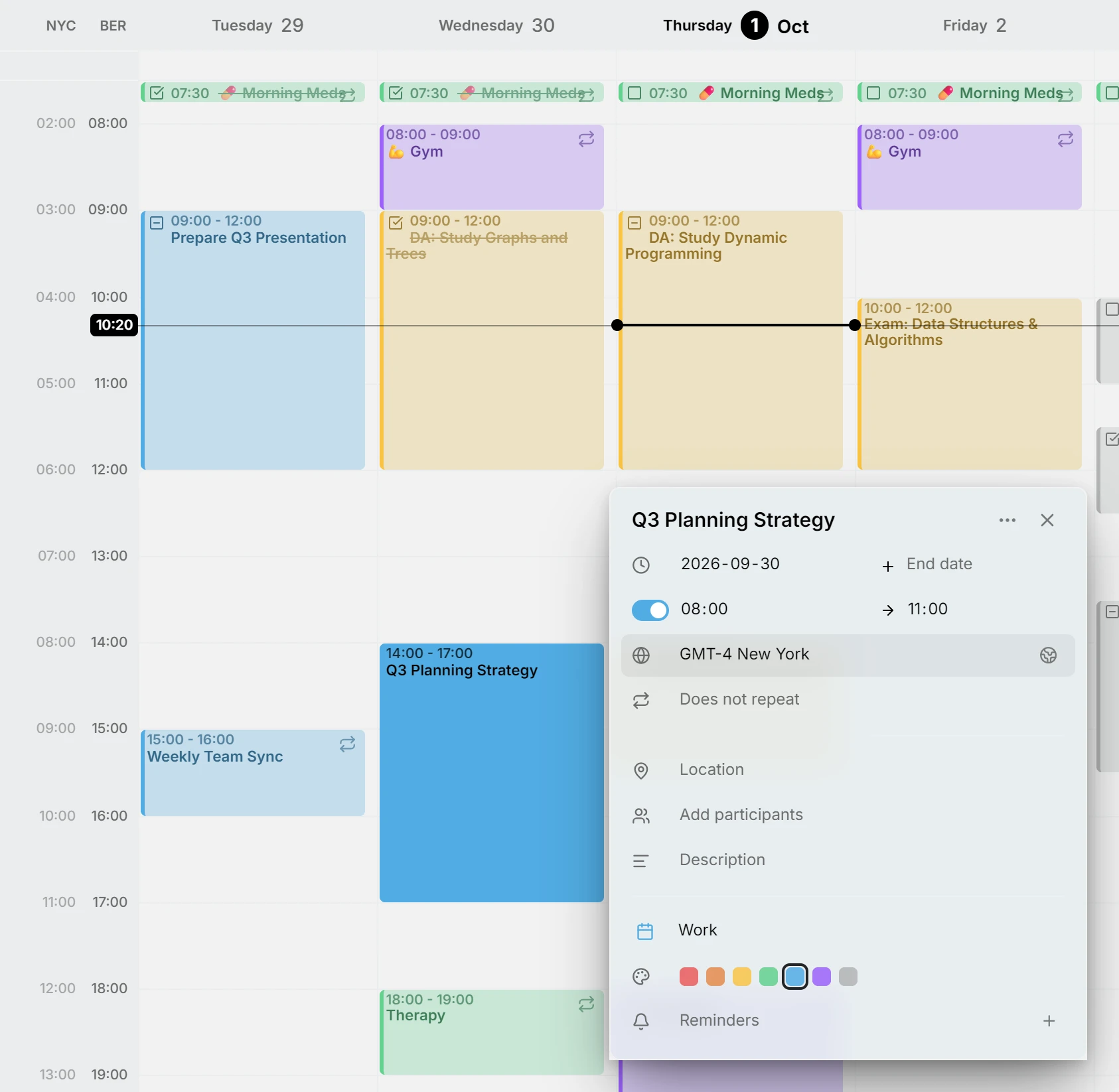
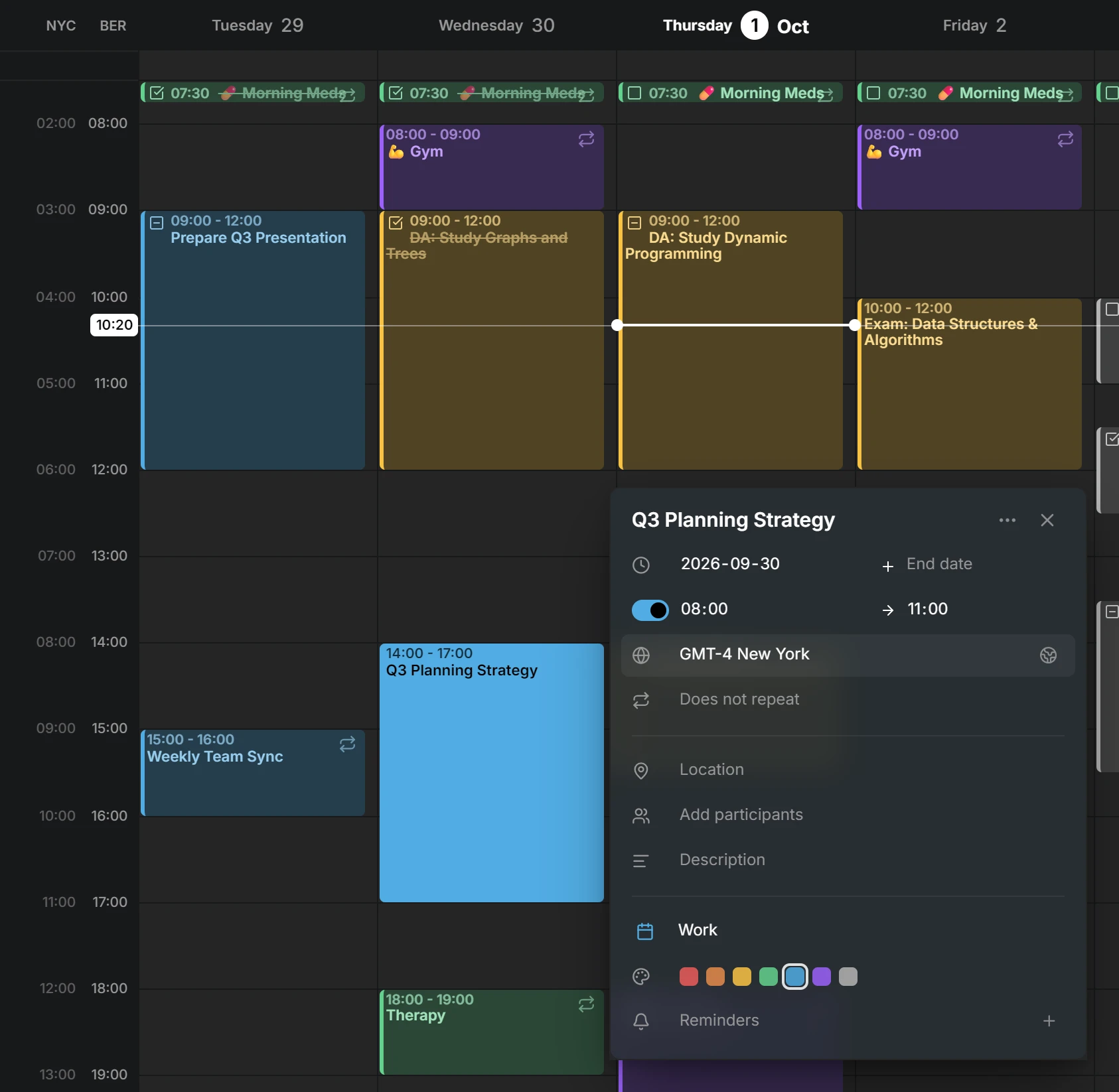
Una entrada puede conservar su propia zona horaria, como un vuelo que sale en una y aterriza en otra. Las zonas horarias extra junto a la semana se recogen y vuelven al deslizar cuando las quieres.
Mejoras para móviles
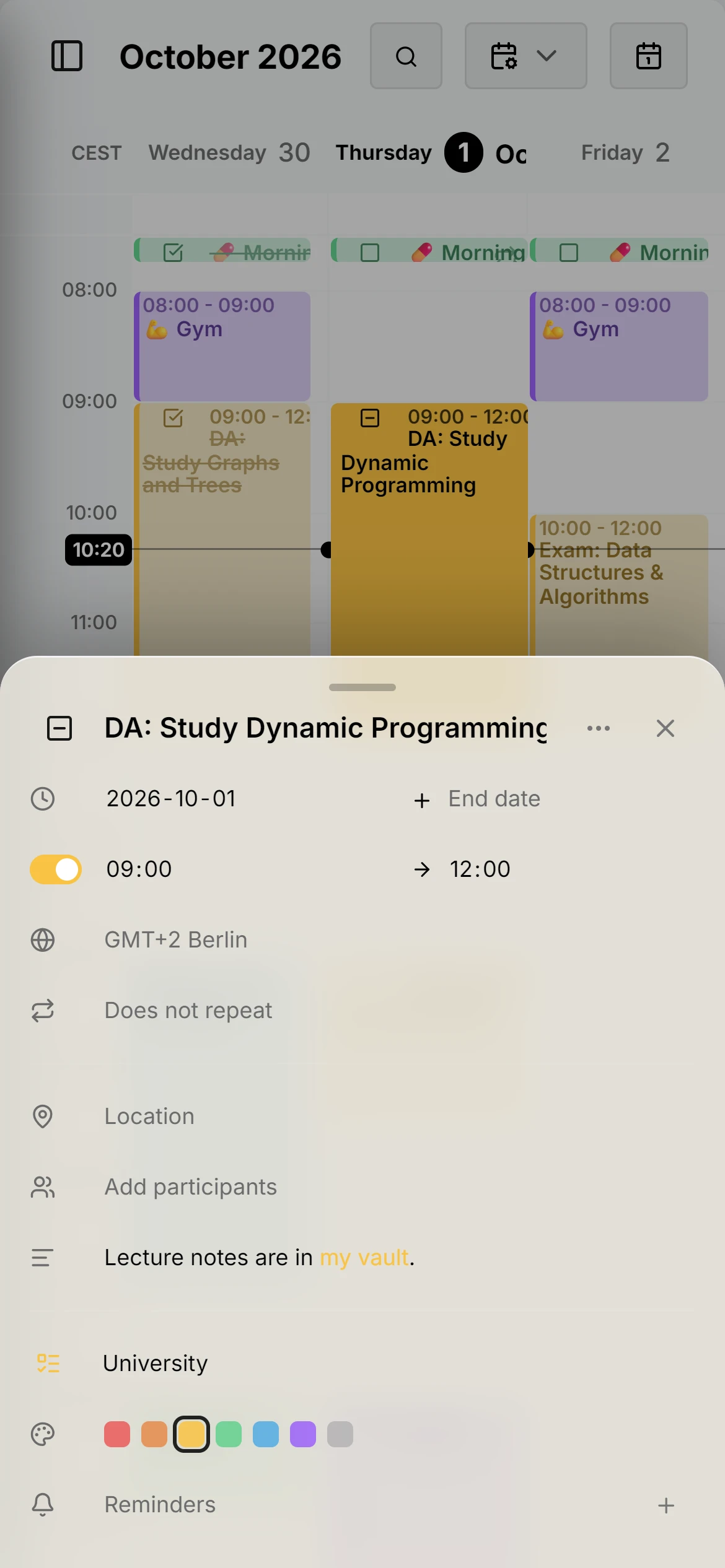
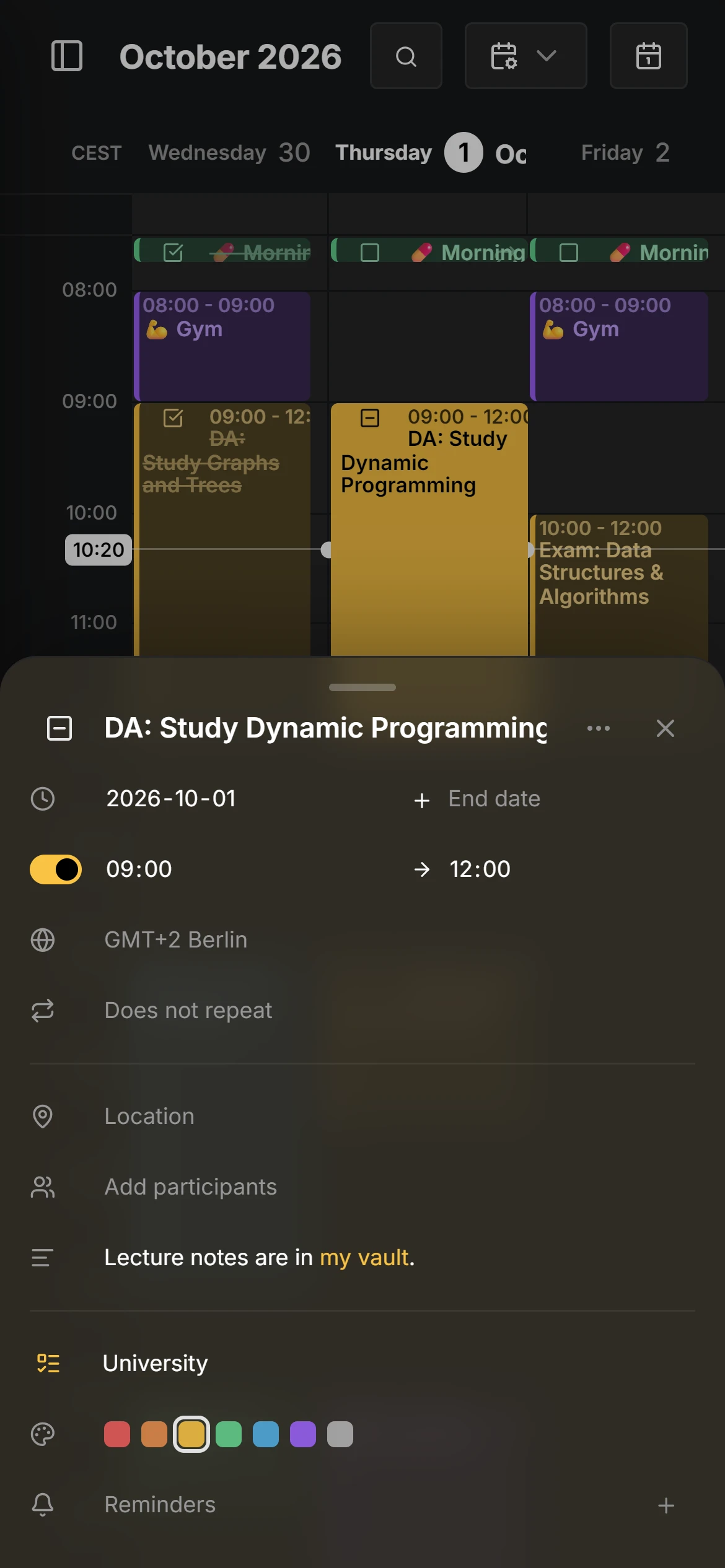
El editor se abre como una hoja desde la parte inferior, las entradas se mueven y cambian de tamaño con el tacto y el lápiz, y el diseño deja sitio al teclado.
Indicador de actualización y registro de cambios
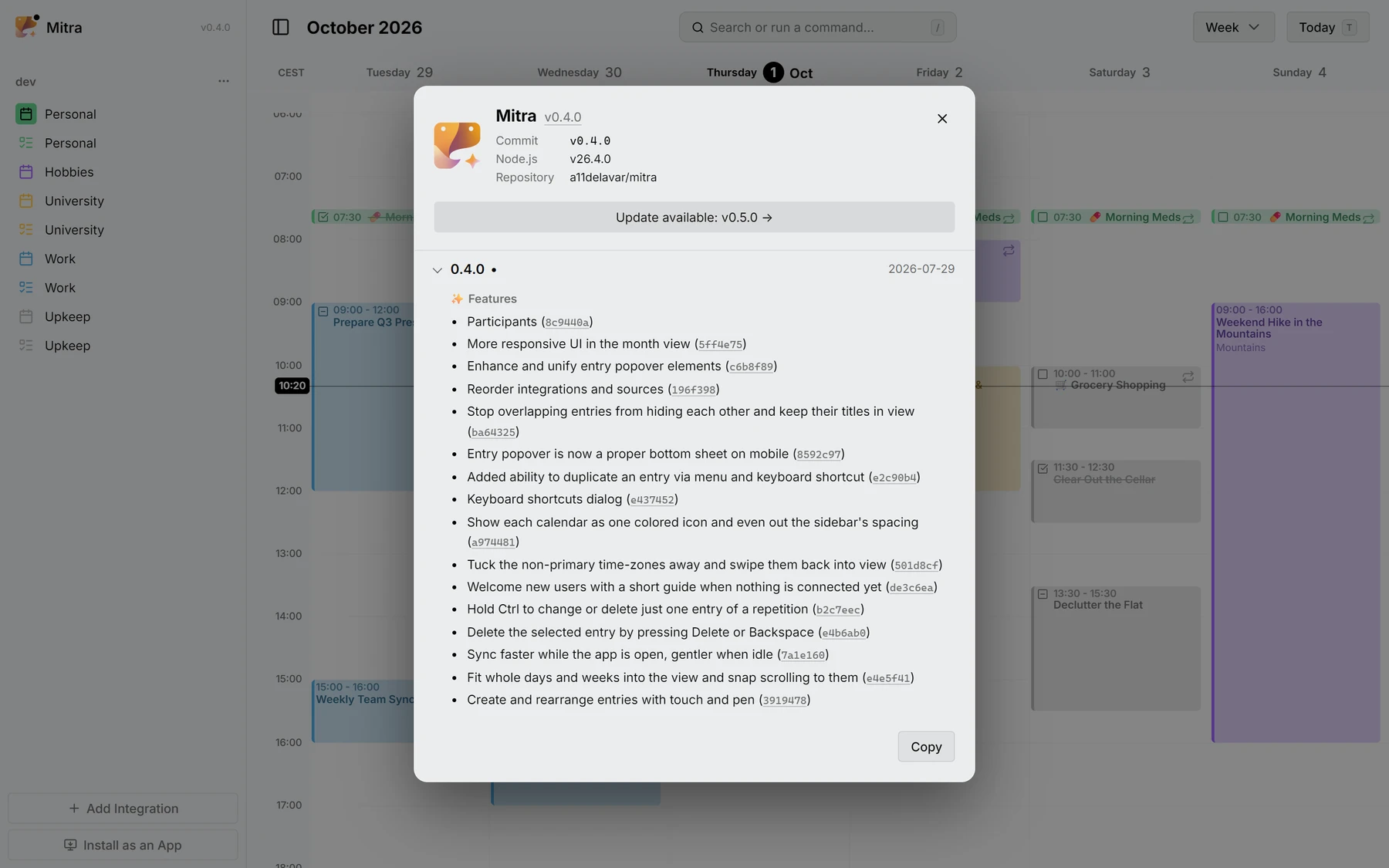
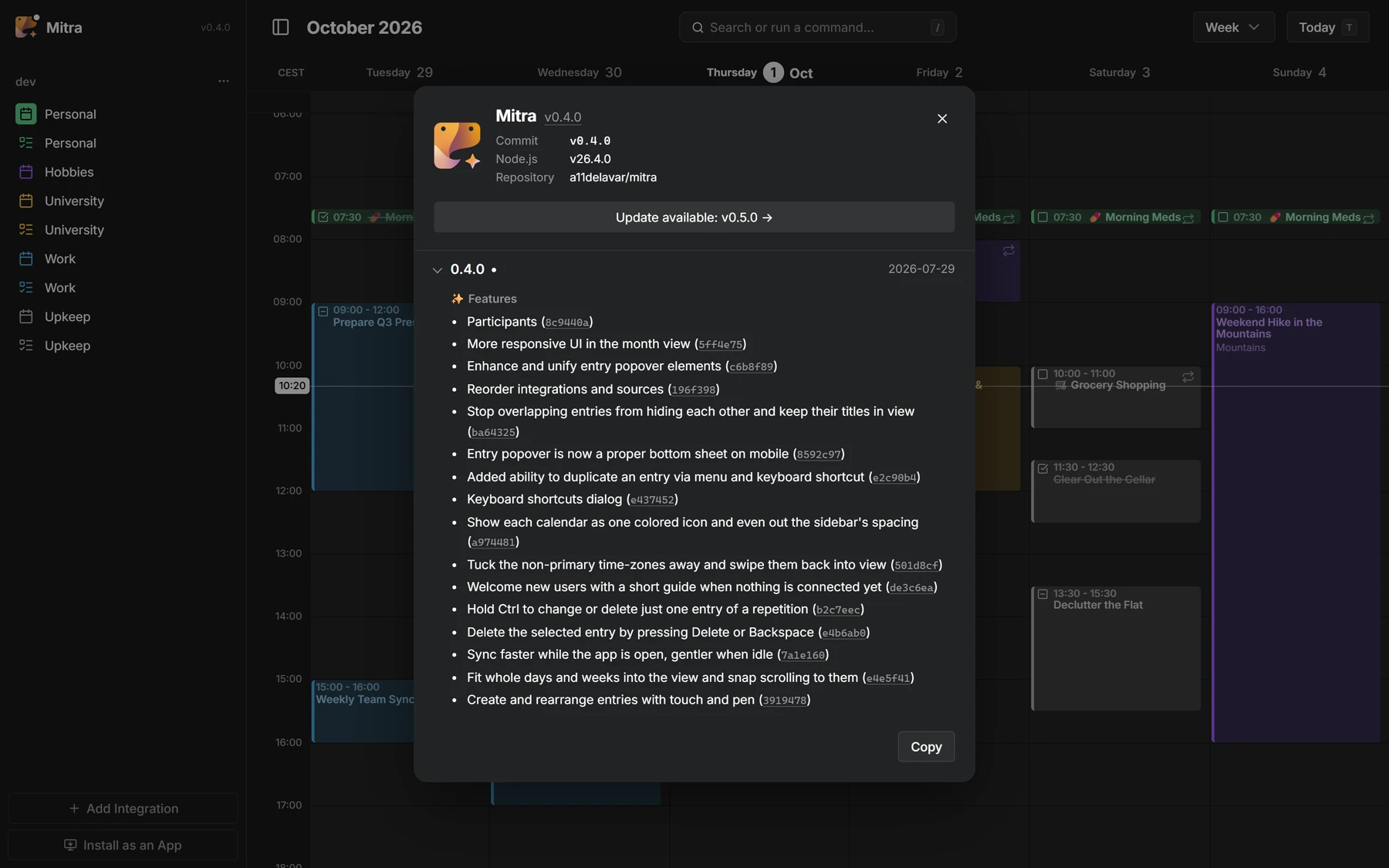
Un punto te avisa cuando hay una versión nueva, y el diálogo Acerca de lista lo que cambió en cada versión, commit a commit.
Colaboradores
 @a11delavar
 @d8monx
Todo en 0.4
32 funciones · 18 mejoras · 2 cambios en la documentación · 2 refactorizaciones · 3 cambios de mantenimiento
Funciones
- Participants8c9440a
- More responsive UI in the month view5ff4e75
- Enhance and unify entry popover elementsc6b8f89
- Reorder integrations and sources196f398
- Stop overlapping entries from hiding each other and keep their titles in viewba64325
- Entry popover is now a proper bottom sheet on mobile8592c97
- Added ability to duplicate an entry via menu and keyboard shortcute2c90b4
- Keyboard shortcuts dialoge437452
- Show each calendar as one colored icon and even out the sidebar's spacinga974481
- Tuck the non-primary time-zones away and swipe them back into view501d8cf
- Welcome new users with a short guide when nothing is connected yetde3c6ea
- Hold Ctrl to change or delete just one entry of a repetitionb2c7eec
- Delete the selected entry by pressing Delete or Backspacee4b6ab0
- Sync faster while the app is open, gentler when idle7a1e160
- Fit whole days and weeks into the view and snap scrolling to theme4e5f41
- Create and rearrange entries with touch and pen3919478
- Redesign integration dialog as a two-step flow8609482
- Grow the all-day lane to fit its eventsdbfe125
- Blend the installed app into the window title bar95366db
- Release notes971c8b8
- Update indicatorb278da8
- Added the application logo and version to the sidebar17018ba
- Keep all-day bar titles visible while scrolled behind the time axis15421cf
- Float short contained events over their host instead of splitting widthdbac407
- Add an icon to recurring entries25cb60e
- Health endpoint55ff11c
- Add "Go to date" command8c0c06a
- Notion integration49e863d
- Entry time-zone selector8e55f79
- Year viewcf3d6fd
- Apple Calendar integration (#2)d1da646
- Google Calendar integrationdf27876
Mejoras
- Switch between calendar views smoothly, even with hundreds of entries2e9a53d
- Keep the all-day bar titles sliding, and let the lane fit its entriese179c98
- Let the on-screen keyboard shrink the layout47b5fd6
- Prevent the PWA rotating the screen unless auto-rotate is enabled33f857f
- Show a dragged all-day entry in the free row it lands in, not below every other oneba3dcc8
- Fix dragging entries to midnight not working08d47c4
- Hide task status and recurring icon in the yearly viewf528f91
- Keep the entry editor opening reliably when clicking an entryc8dd17e
- Keep occurrence deletions resilient on CalDAV backends7eee03b
- Fix switching views when renaming sourcesbb6c807
- Preserve locally renamed sources' name7bfd8ee
- Flow wrapping task title around the checkbox to use full widthea9cf53
- Give a minimum visible height to zero/no-duration timed entries4a8724c
- Guard DayDensityController against transient tiny-viewport collapsea7f369e
- Scope entry search to the requesting user's sourcesbc37f2d
- Preserve recurring events' wall-clock time across DST transitions876f7fc
- Make all-day events render on the same dates in every timezone1c5264d
- Preserve occurrence count when splitting a series with "this and following"961cfcd
Y además 3 cambios de mantenimiento en GitHub: pruebas, compilaciones y tareas de mantenimiento.