
0.4
Widok roku, Google, Apple i Notion, uczestnicy
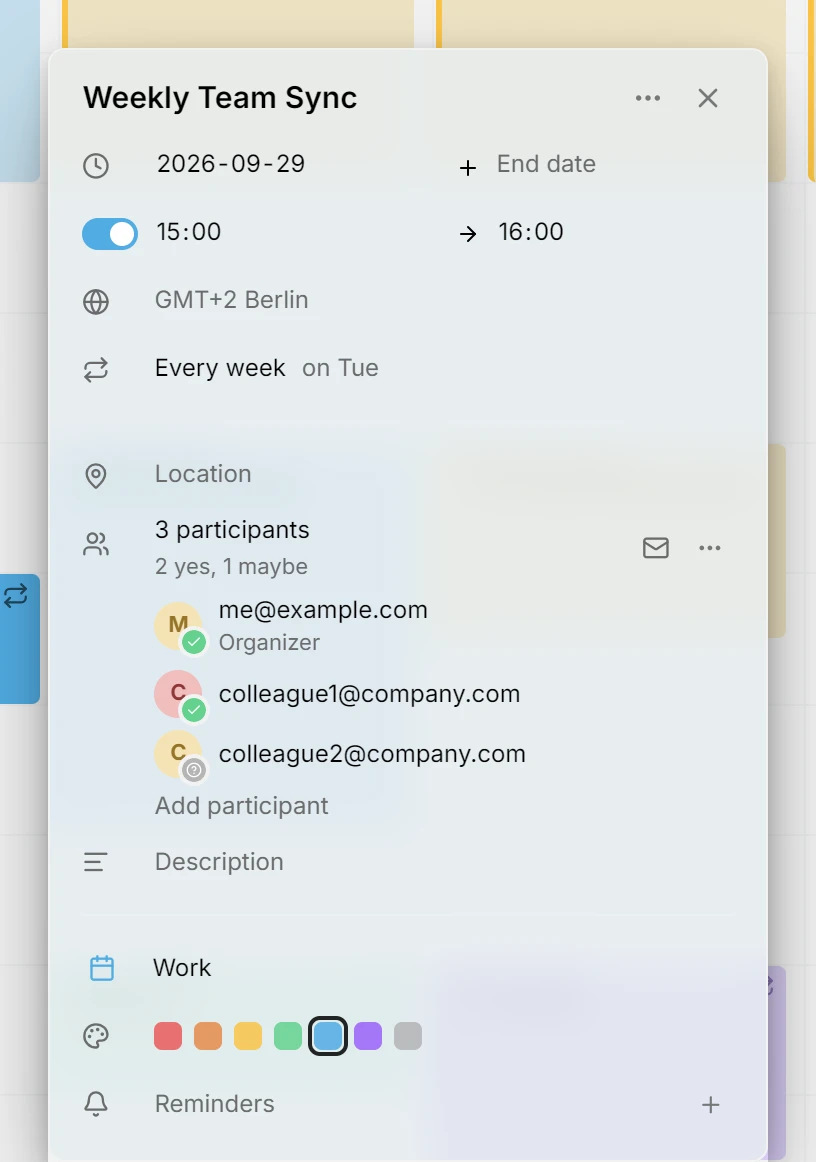
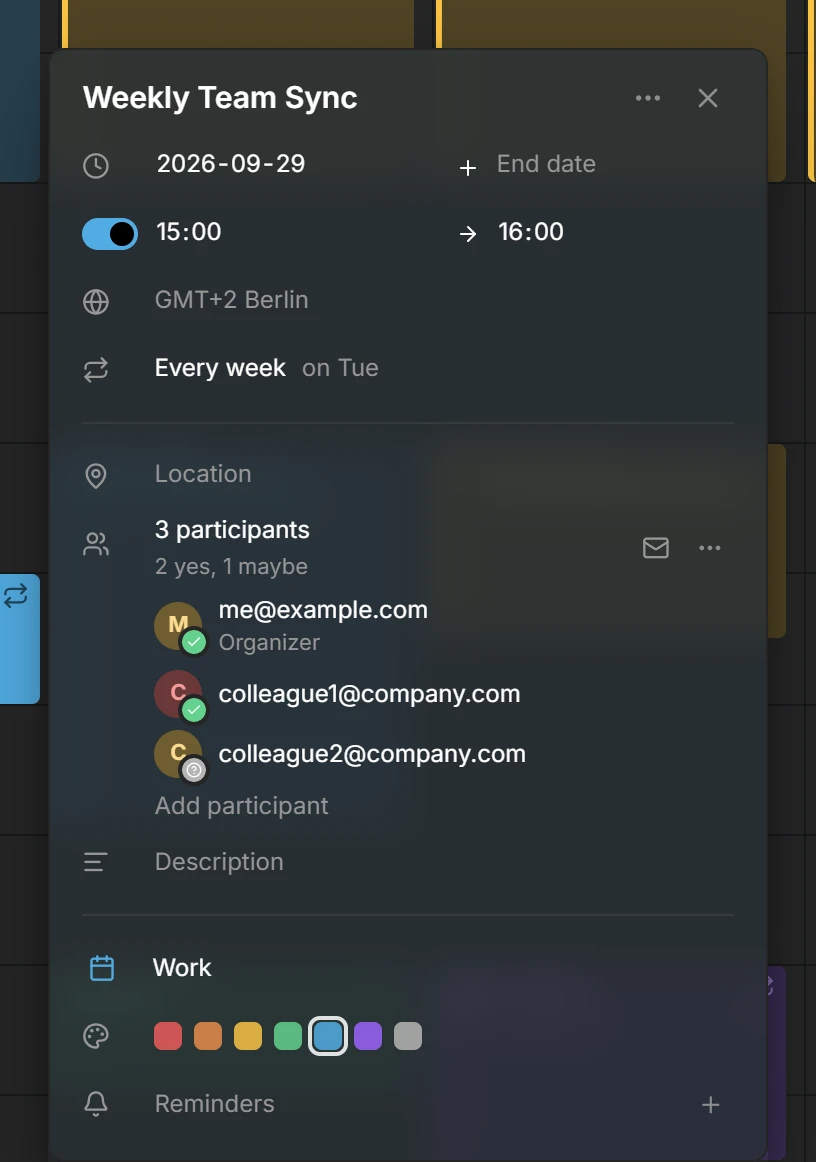
To wydanie dodaje widok roku, łączy aplikację Mitra z kalendarzami, które ma już większość ludzi (Google, Apple i Notion), pozwala zapraszać innych na twoje wydarzenia i sprawia, że na telefonie Mitra czuje się jak u siebie.
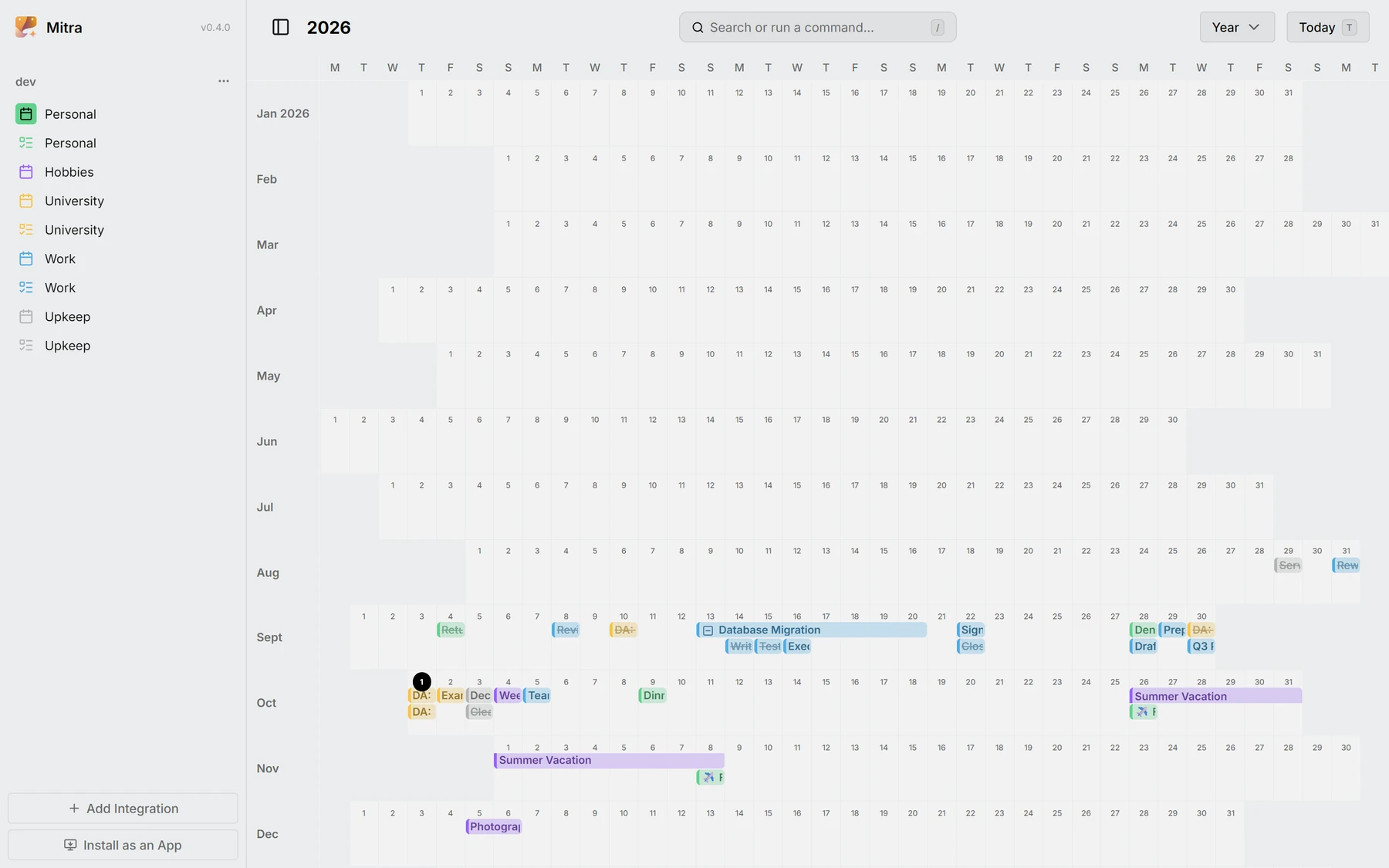
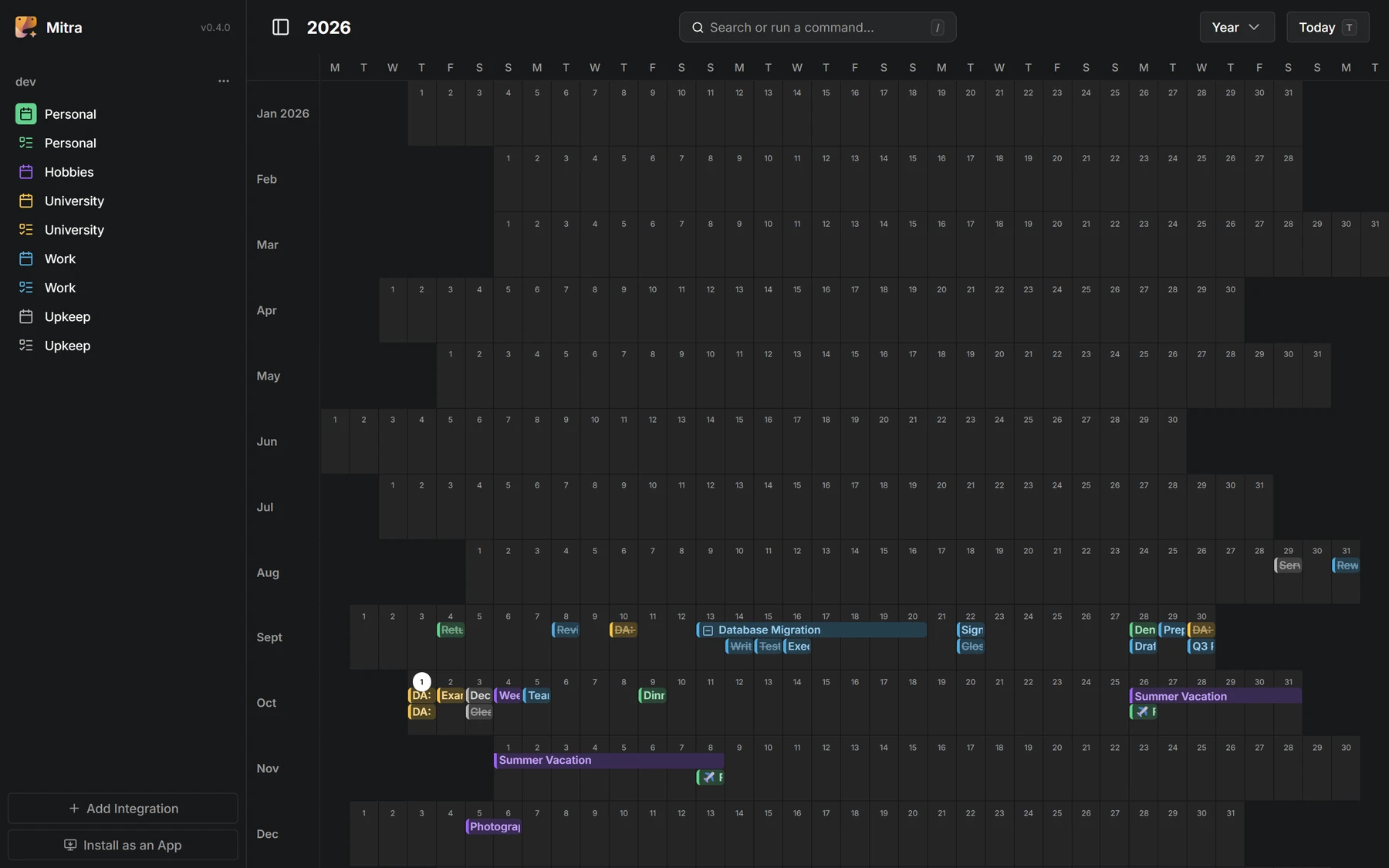
Widok roku
Cały rok na jednym ekranie, każdy dzień jako mała komórka. Łatwo w nim znaleźć wolny tydzień albo objąć wzrokiem całą porę roku.
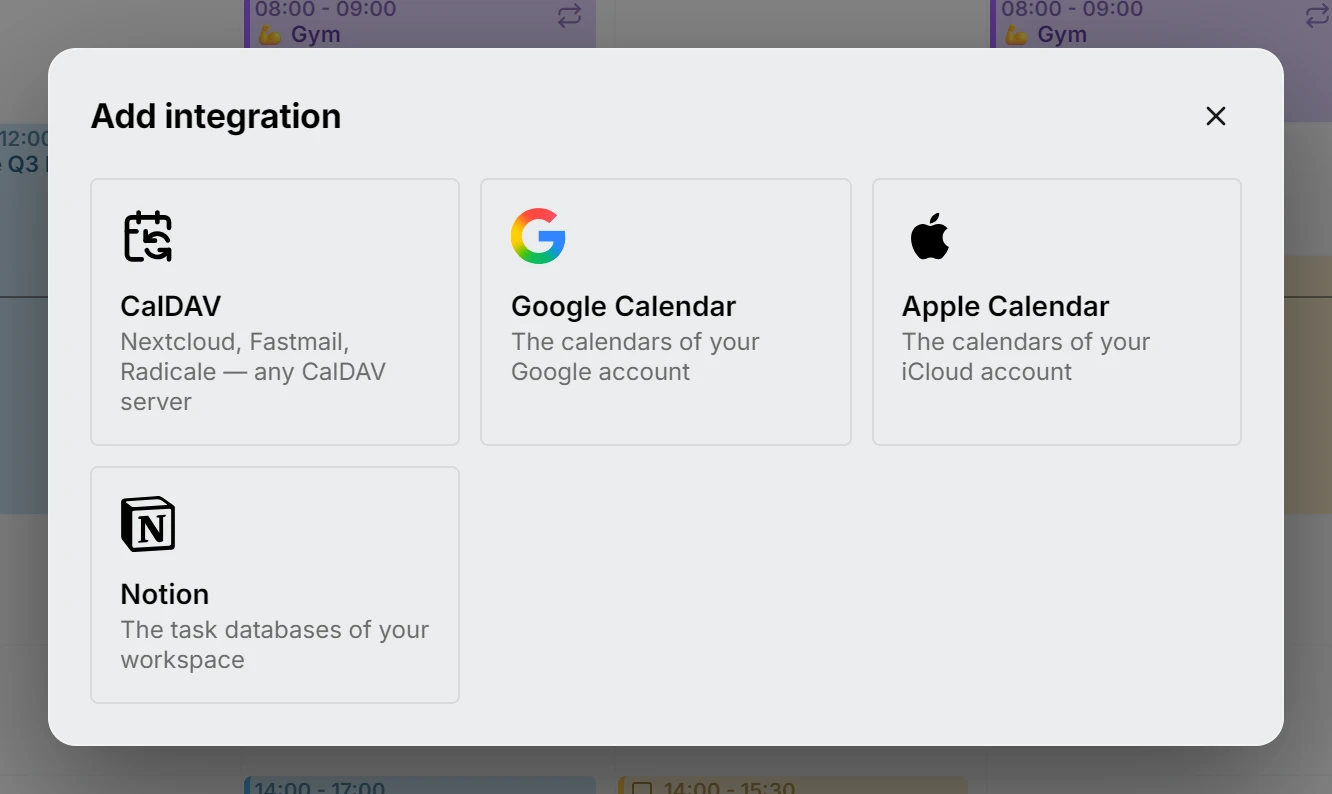
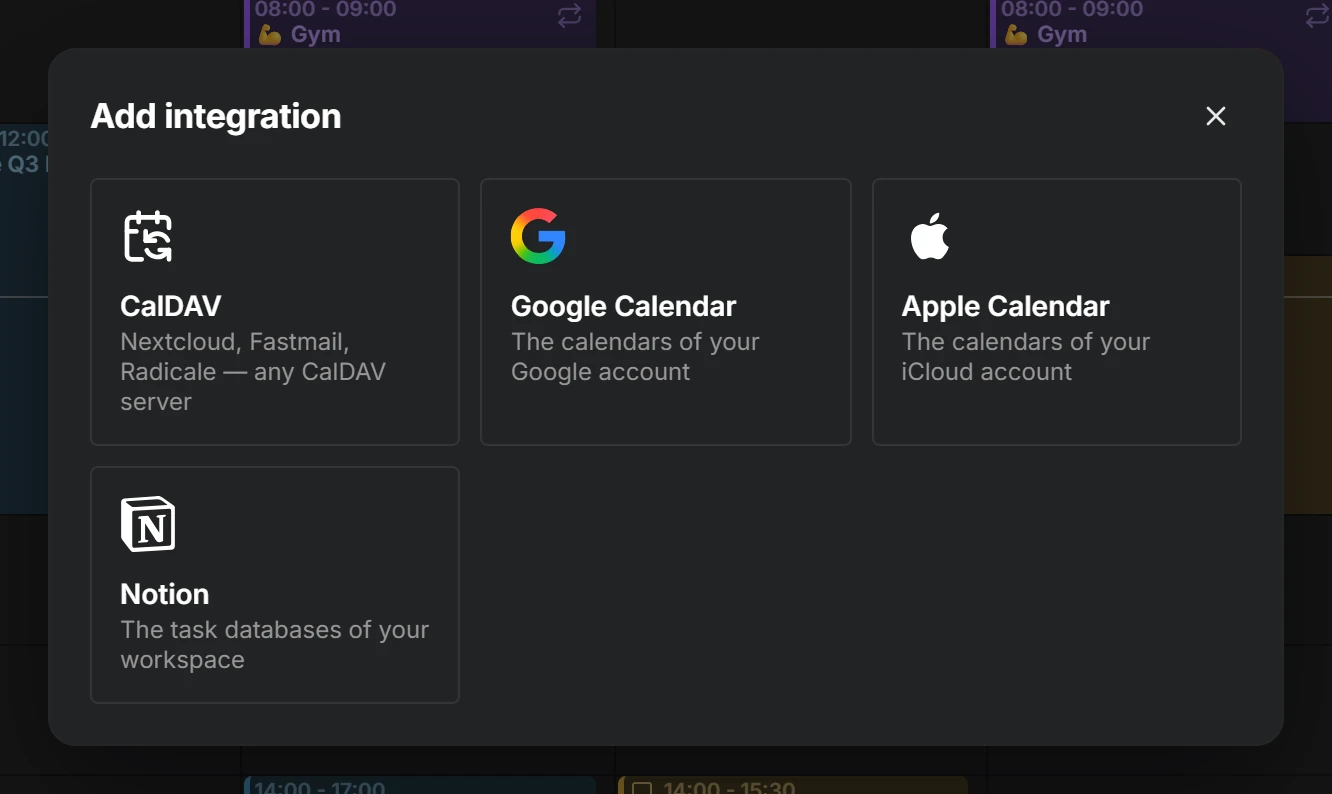
Kalendarz Google, Kalendarz Apple i Notion
Zaloguj się przez Google, dodaj hasło do aplikacji dla iCloud albo wklej token Notion, a twoje kalendarze i bazy danych znajdą się obok siebie w jednym tygodniu. Widok z Notion staje się kalendarzem, a treść strony zamienia się w opis wpisu.
Uczestnicy
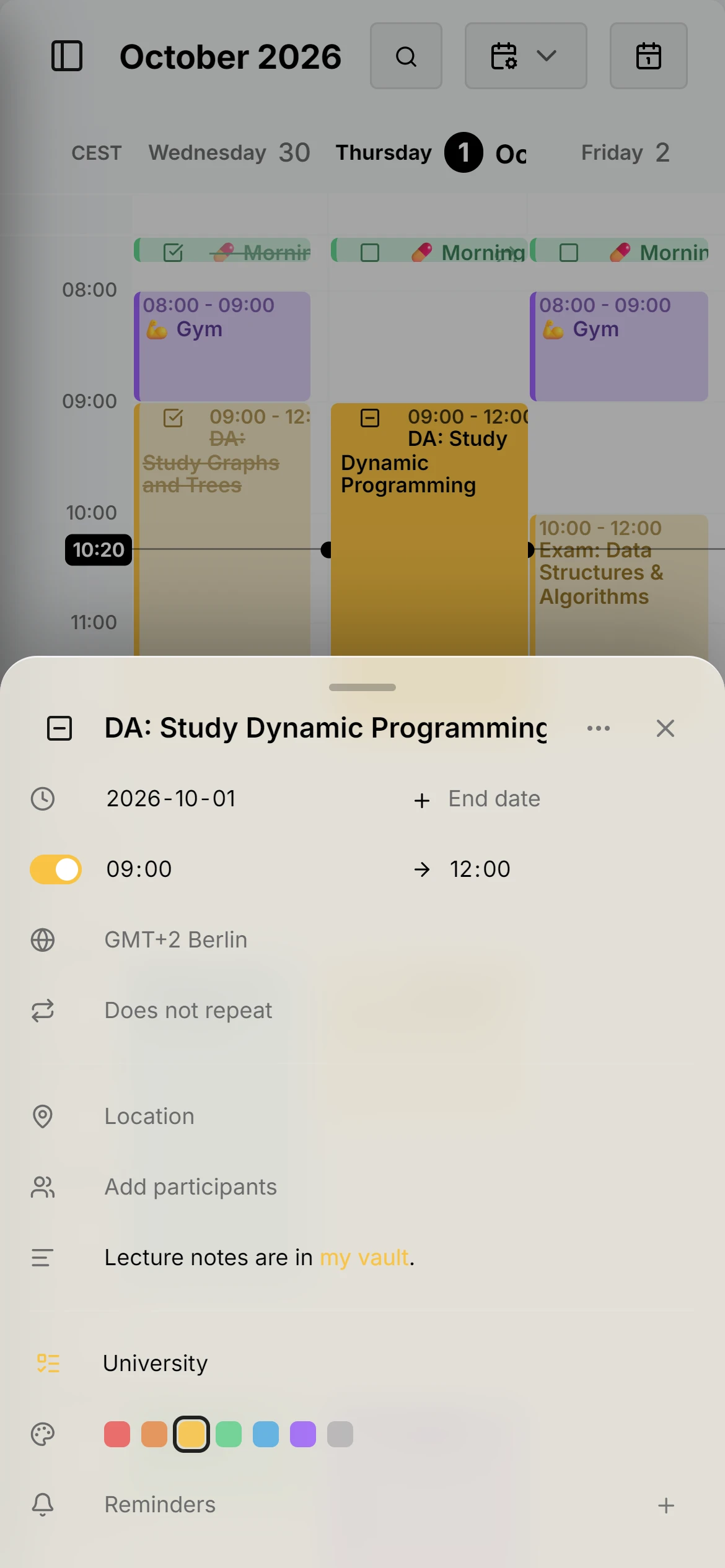
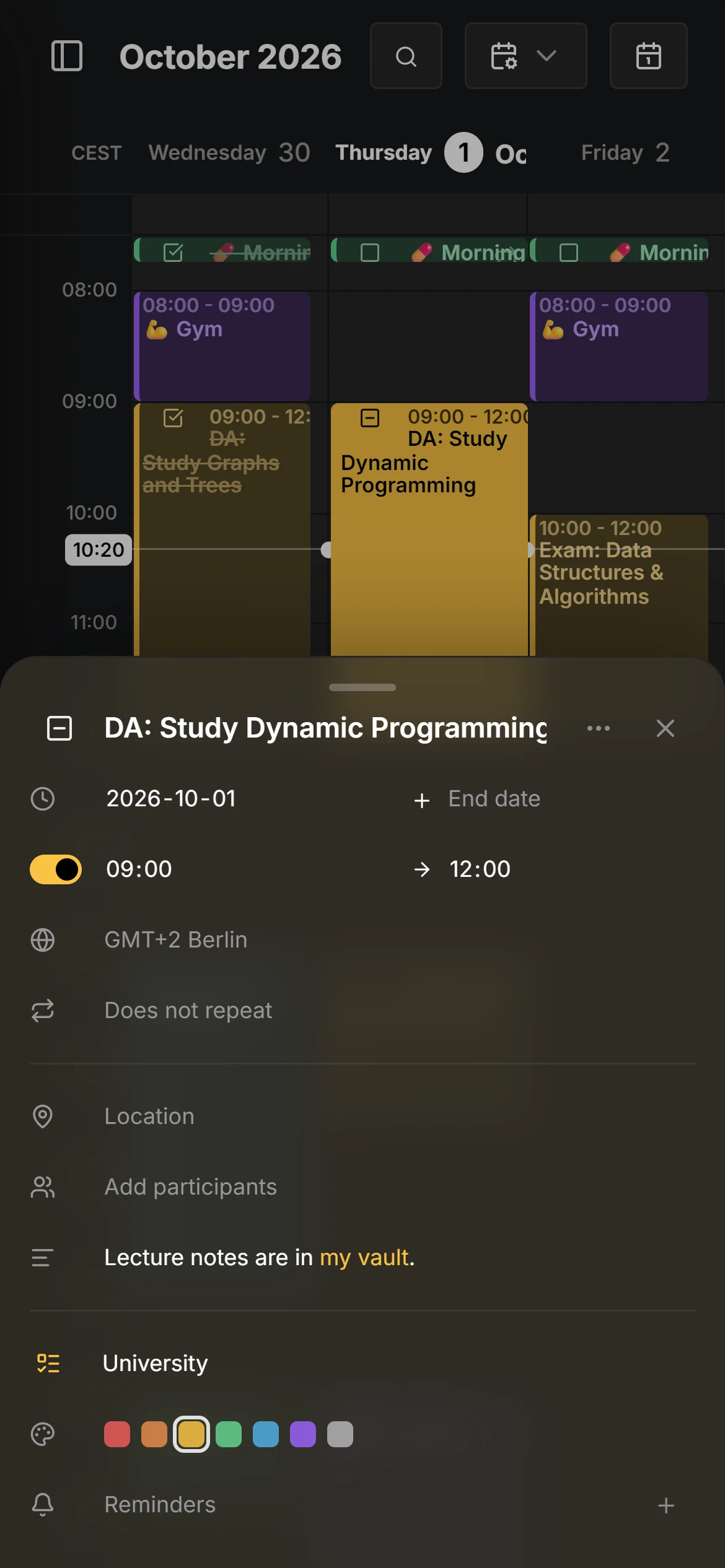
Zapraszaj ludzi na wydarzenia, sprawdzaj, kto potwierdził udział, i odpowiadaj na otrzymane zaproszenia. Dostarczają je kalendarze, z których korzystasz.
Strefa czasowa dla każdego wpisu
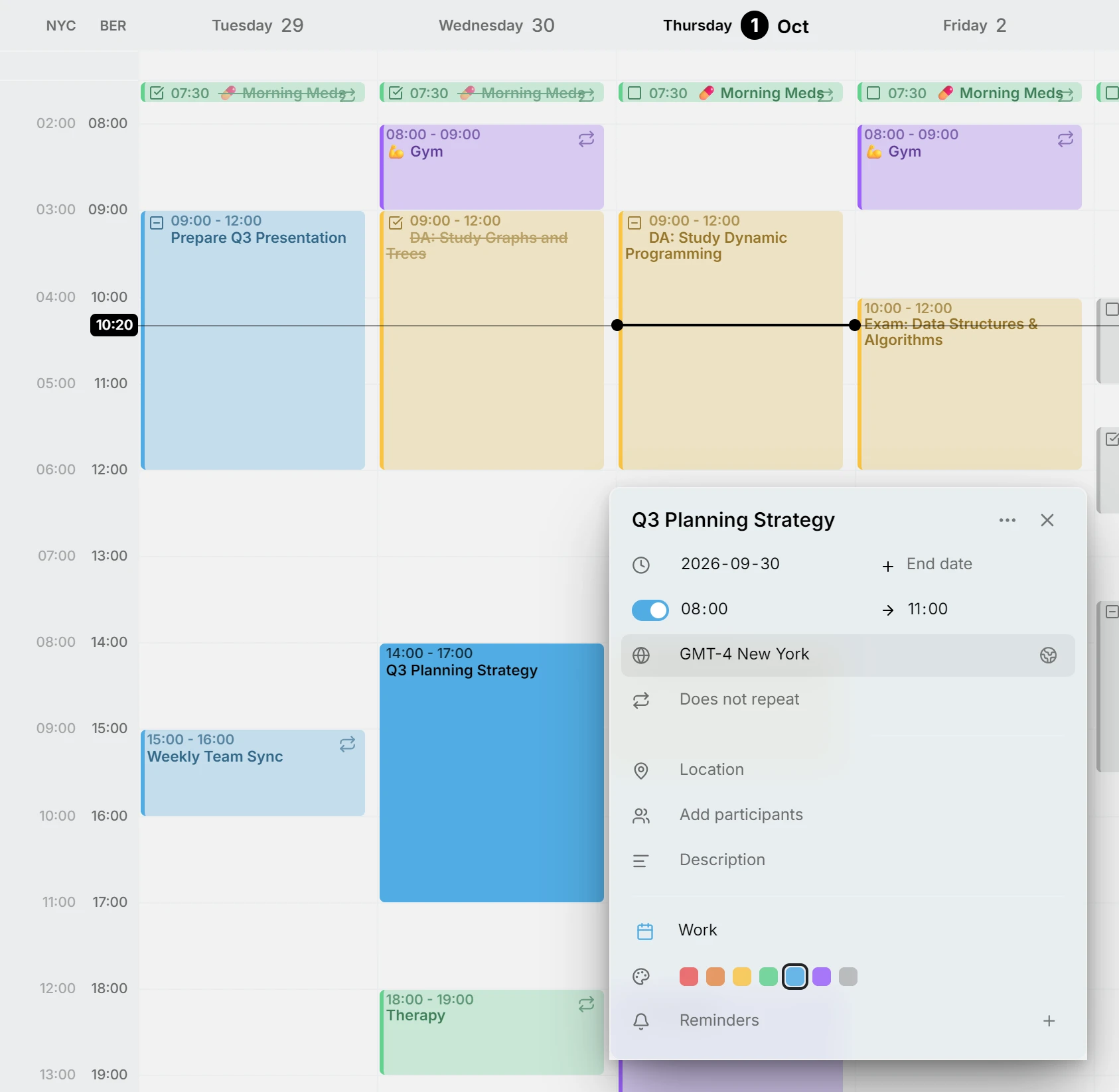
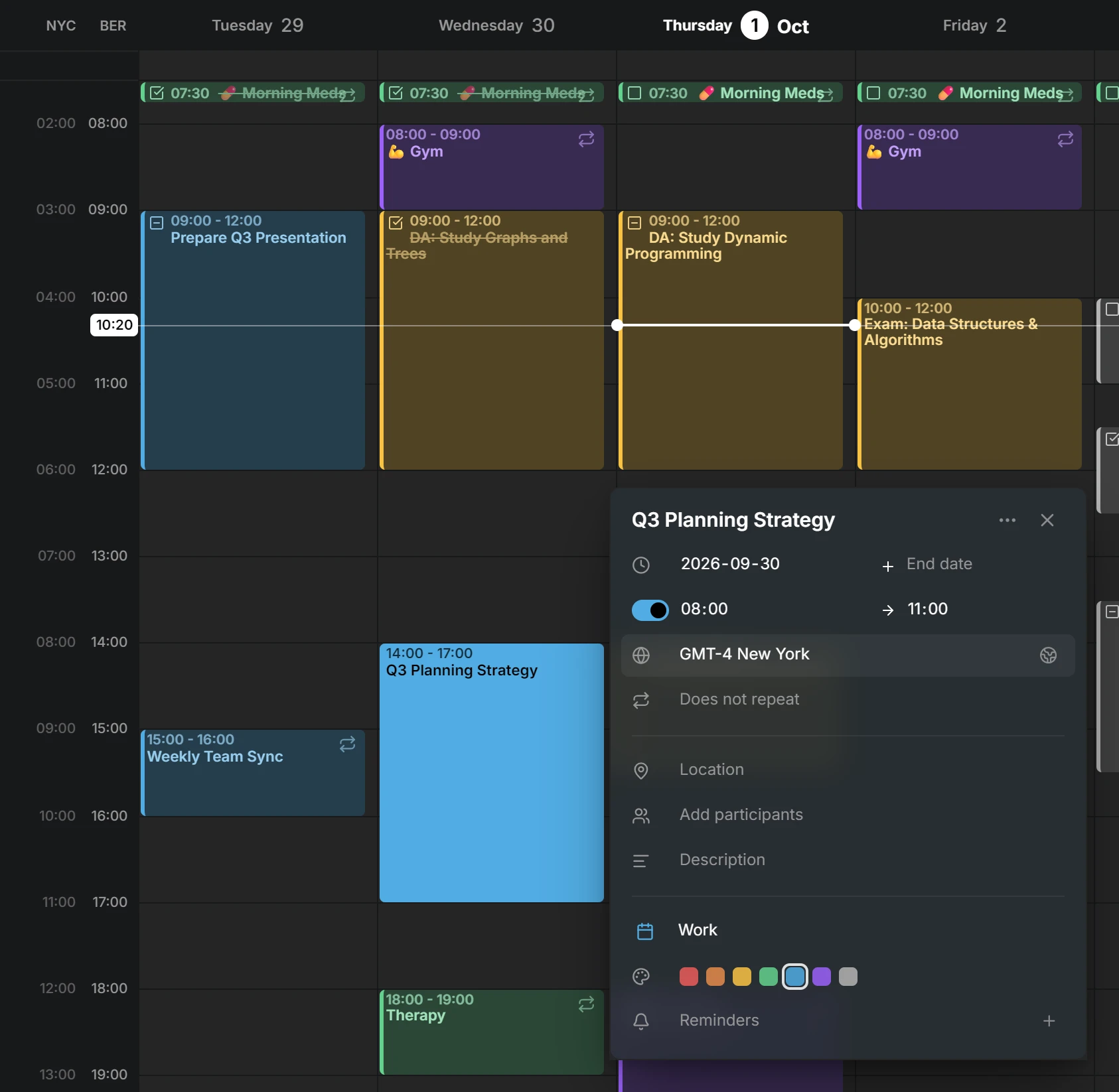
Wpis może mieć własną strefę czasową, tak jak lot, który startuje w jednej strefie, a ląduje w innej. Dodatkowe strefy czasowe obok tygodnia można schować i przywrócić jednym przesunięciem palca, kiedy będą potrzebne.
Ulepszenia na telefonie
Edytor wysuwa się od dołu ekranu, wpisy można przenosić i zmieniać ich długość palcem albo rysikiem, a układ robi miejsce na klawiaturę.
Wskaźnik aktualizacji i lista zmian
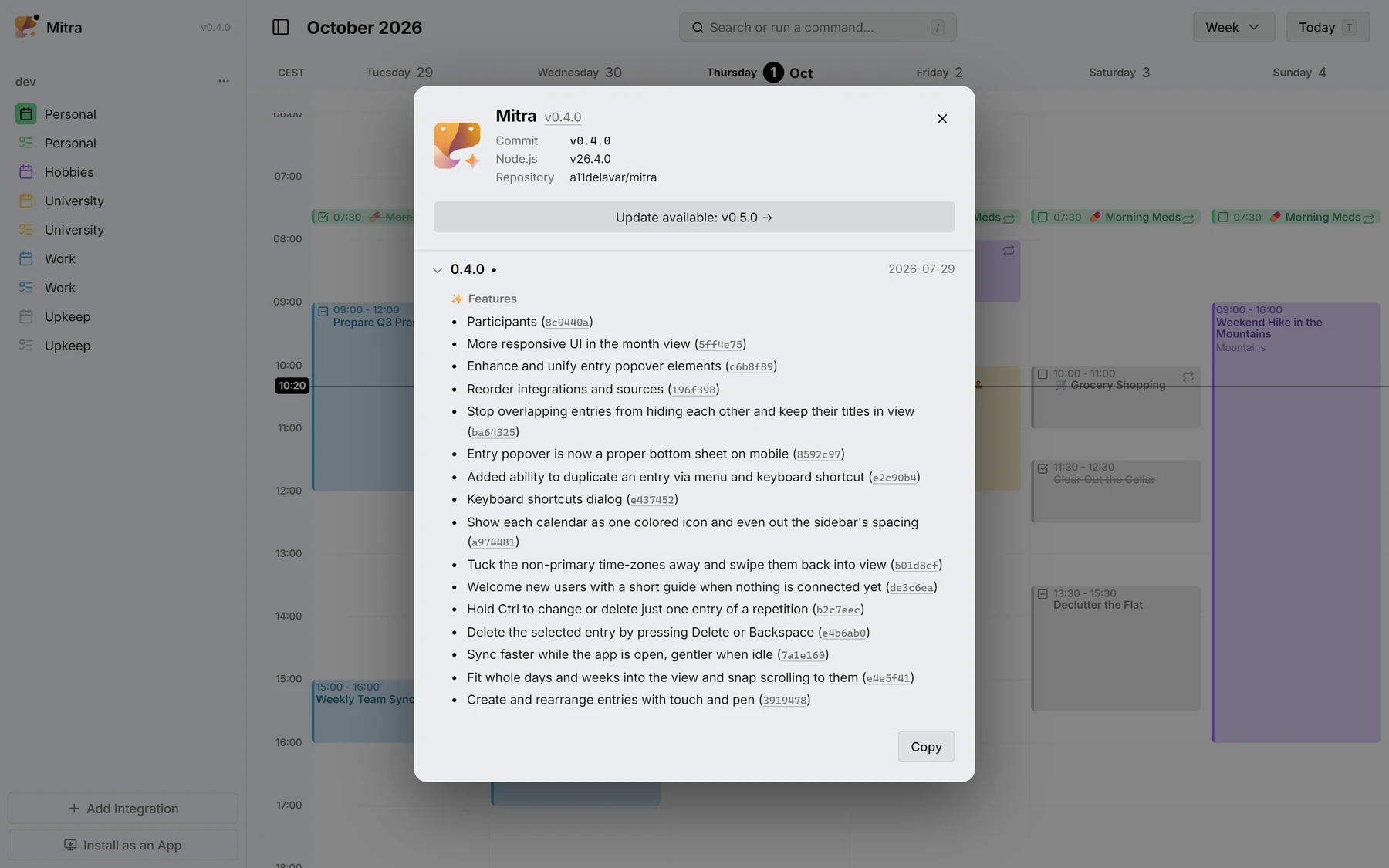
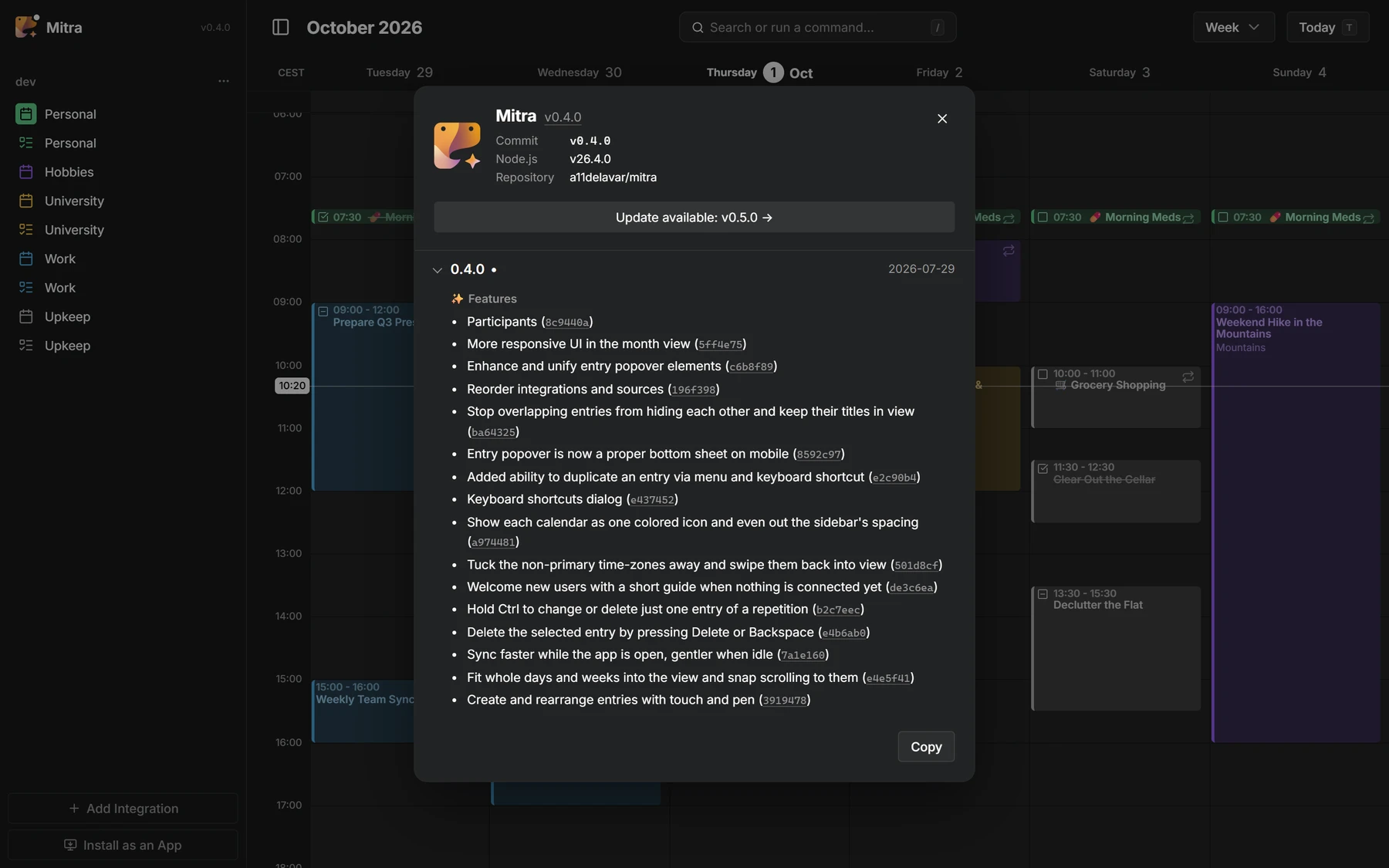
Kropka daje znać, że jest nowa wersja, a okno „O aplikacji” pokazuje, co się zmieniło w każdej wersji, commit po commicie.
Współtwórcy
 @a11delavar
 @d8monx
Wszystko w wersji 0.4
32 funkcje · 18 ulepszeń · 2 zmiany w dokumentacji · 2 refaktoryzacje · 3 zmiany porządkowe
Funkcje
- Participants8c9440a
- More responsive UI in the month view5ff4e75
- Enhance and unify entry popover elementsc6b8f89
- Reorder integrations and sources196f398
- Stop overlapping entries from hiding each other and keep their titles in viewba64325
- Entry popover is now a proper bottom sheet on mobile8592c97
- Added ability to duplicate an entry via menu and keyboard shortcute2c90b4
- Keyboard shortcuts dialoge437452
- Show each calendar as one colored icon and even out the sidebar's spacinga974481
- Tuck the non-primary time-zones away and swipe them back into view501d8cf
- Welcome new users with a short guide when nothing is connected yetde3c6ea
- Hold Ctrl to change or delete just one entry of a repetitionb2c7eec
- Delete the selected entry by pressing Delete or Backspacee4b6ab0
- Sync faster while the app is open, gentler when idle7a1e160
- Fit whole days and weeks into the view and snap scrolling to theme4e5f41
- Create and rearrange entries with touch and pen3919478
- Redesign integration dialog as a two-step flow8609482
- Grow the all-day lane to fit its eventsdbfe125
- Blend the installed app into the window title bar95366db
- Release notes971c8b8
- Update indicatorb278da8
- Added the application logo and version to the sidebar17018ba
- Keep all-day bar titles visible while scrolled behind the time axis15421cf
- Float short contained events over their host instead of splitting widthdbac407
- Add an icon to recurring entries25cb60e
- Health endpoint55ff11c
- Add "Go to date" command8c0c06a
- Notion integration49e863d
- Entry time-zone selector8e55f79
- Year viewcf3d6fd
- Apple Calendar integration (#2)d1da646
- Google Calendar integrationdf27876
Ulepszenia
- Switch between calendar views smoothly, even with hundreds of entries2e9a53d
- Keep the all-day bar titles sliding, and let the lane fit its entriese179c98
- Let the on-screen keyboard shrink the layout47b5fd6
- Prevent the PWA rotating the screen unless auto-rotate is enabled33f857f
- Show a dragged all-day entry in the free row it lands in, not below every other oneba3dcc8
- Fix dragging entries to midnight not working08d47c4
- Hide task status and recurring icon in the yearly viewf528f91
- Keep the entry editor opening reliably when clicking an entryc8dd17e
- Keep occurrence deletions resilient on CalDAV backends7eee03b
- Fix switching views when renaming sourcesbb6c807
- Preserve locally renamed sources' name7bfd8ee
- Flow wrapping task title around the checkbox to use full widthea9cf53
- Give a minimum visible height to zero/no-duration timed entries4a8724c
- Guard DayDensityController against transient tiny-viewport collapsea7f369e
- Scope entry search to the requesting user's sourcesbc37f2d
- Preserve recurring events' wall-clock time across DST transitions876f7fc
- Make all-day events render on the same dates in every timezone1c5264d
- Preserve occurrence count when splitting a series with "this and following"961cfcd
Do tego 3 zmiany porządkowe na GitHubie: testy, kompilacje i prace porządkowe.