
0.1
Mitra, a calendar of your own
Mitra’s first release: a calendar that puts your tasks on the same timeline as your events, synced both ways with the calendars you already keep.
There are good calendar apps, and there are calendars you can host yourself, and for a long time they were not the same ones.
The polished apps live on someone else’s servers and read everything you put in them. The ones you can run at home are mostly servers: they keep your calendars faithfully and leave you to look at them through whatever app you can find. Mitra started from wanting both at once: a calendar that is pleasant to spend the day in, running on a machine of your own and answering to no one else.
It does not ask you to move. Mitra is a layer over the calendars you already keep, not another place to keep them. Each source of your time is an integration that plugs in beside the others, a CalDAV server first and many more since, and they all meet on one timeline while each keeps its data where it lives. Your events and your tasks share that timeline too, so the work of fitting one into the other no longer happens in your head.
It is also a bet on the web as it is now, not as it was ten years ago. Mitra is written for current browsers and leans on what they can do natively: layouts that adapt to their own space, popovers anchored in place, transitions between views, a real model of dates and time zones. Carrying no compatibility layers and no heavy framework is what keeps it small and quick, lets it install as an app, and lets it feel at home on a phone as on a desktop. The price is that it asks for a recent browser, and it will keep asking.
Underneath is a simple belief: your time is the most personal record you keep. Where it lives, who can read it, and how calm it feels to look at should be yours to decide. Mitra is an attempt to make that easy.
 @a11delavar
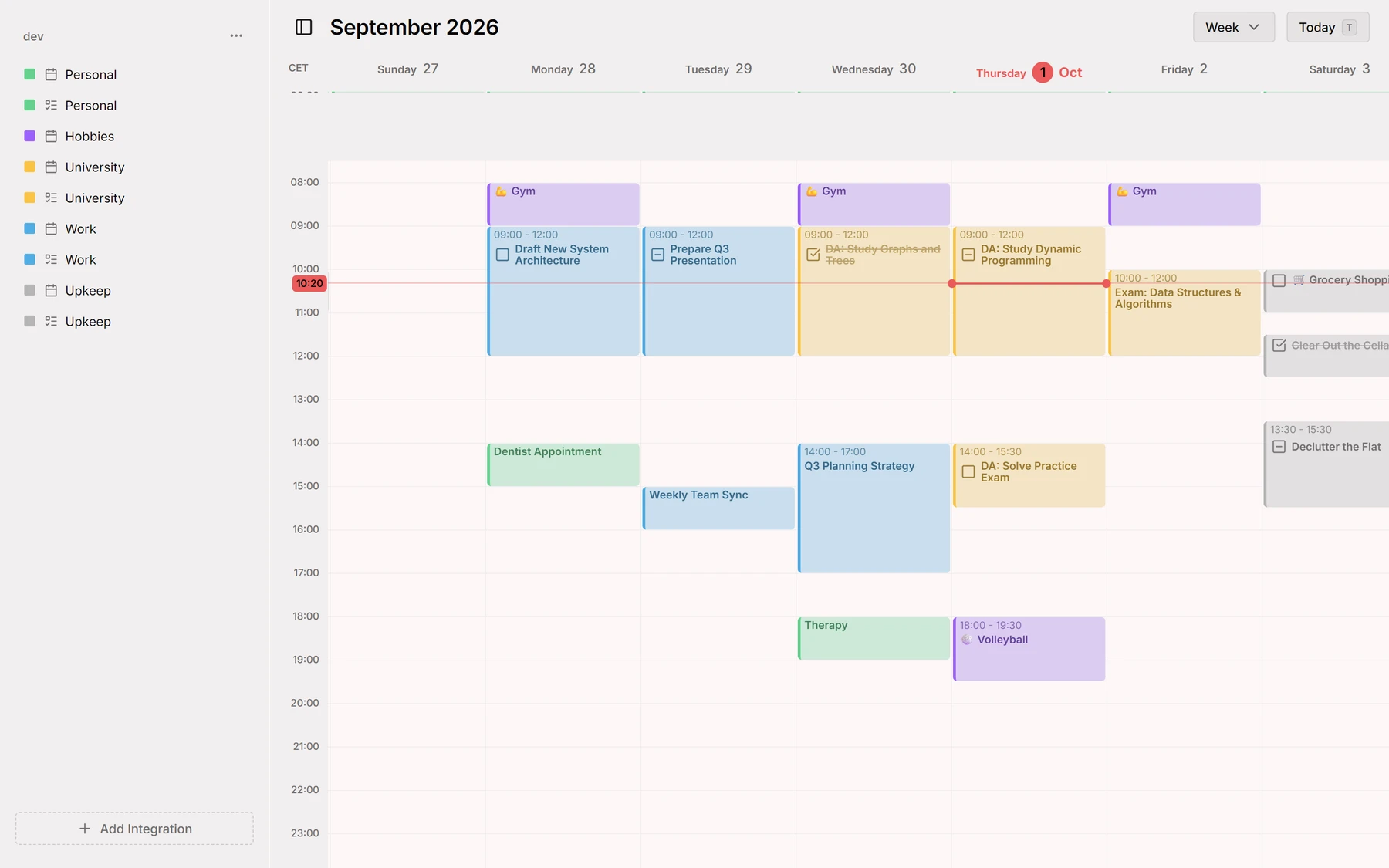
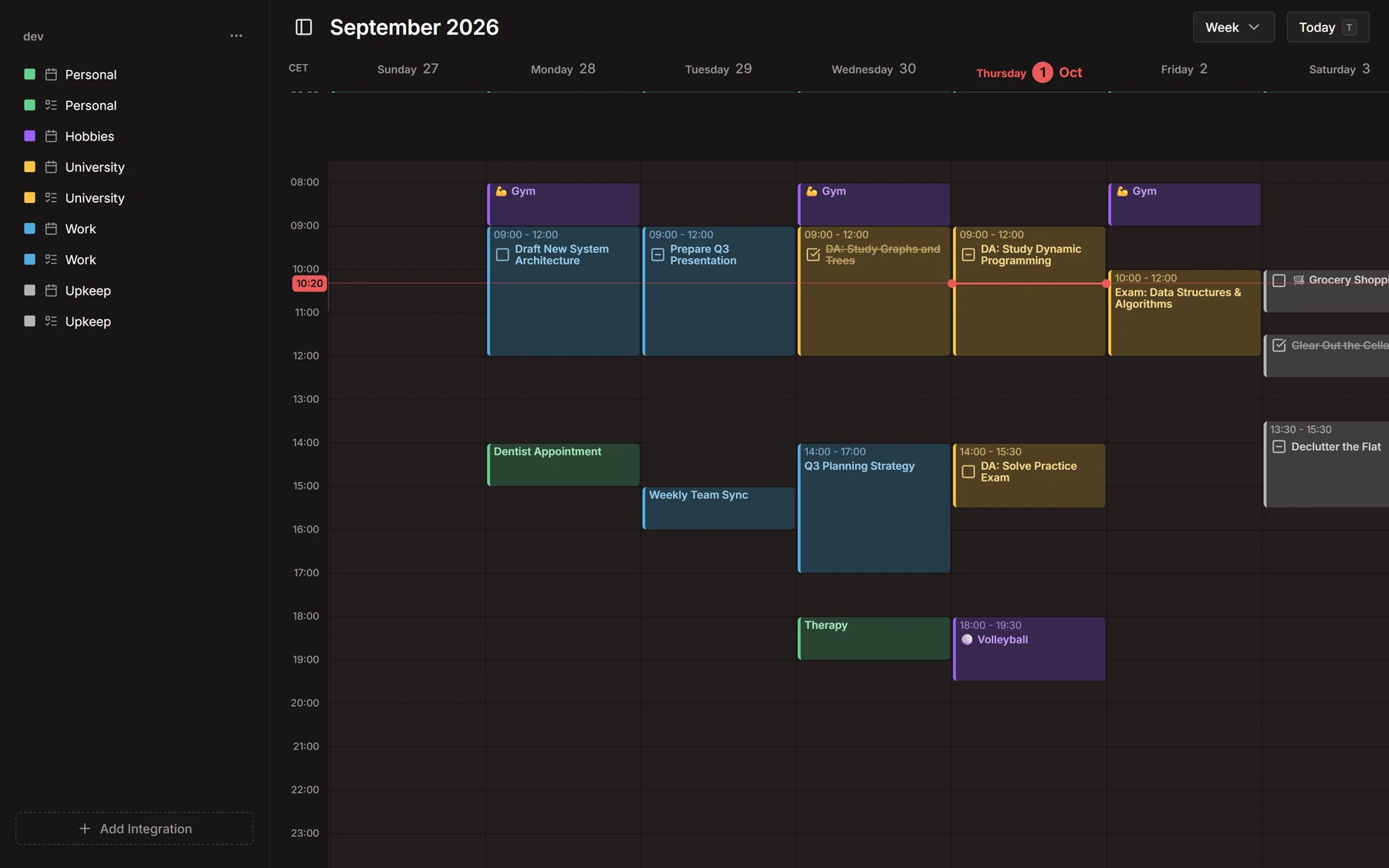
Week view
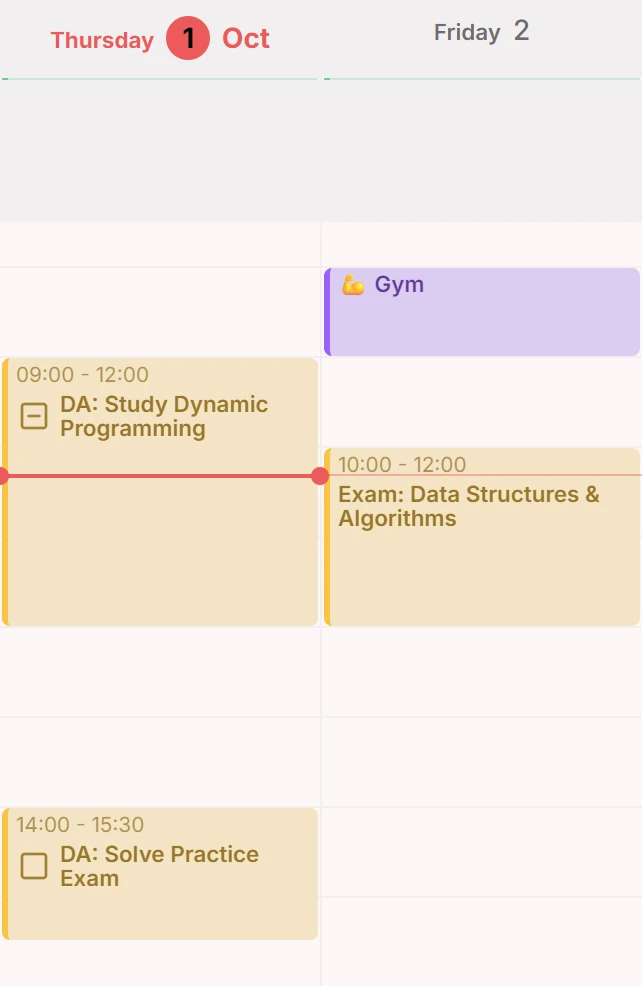
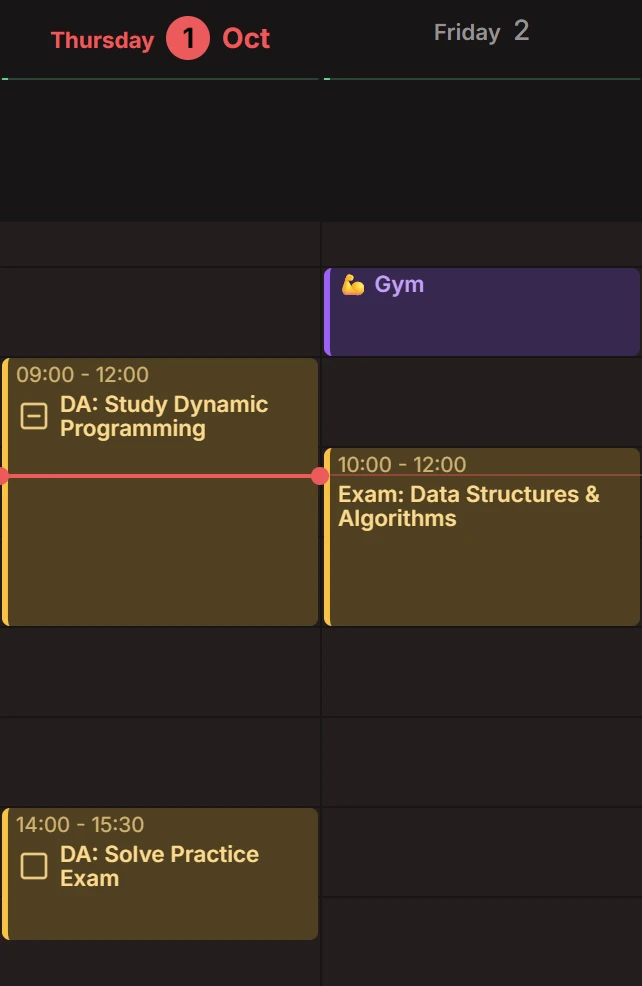
A day is a column of 24 hours with a line at the current time, and a week is seven of them side by side. Come back to today with one button.
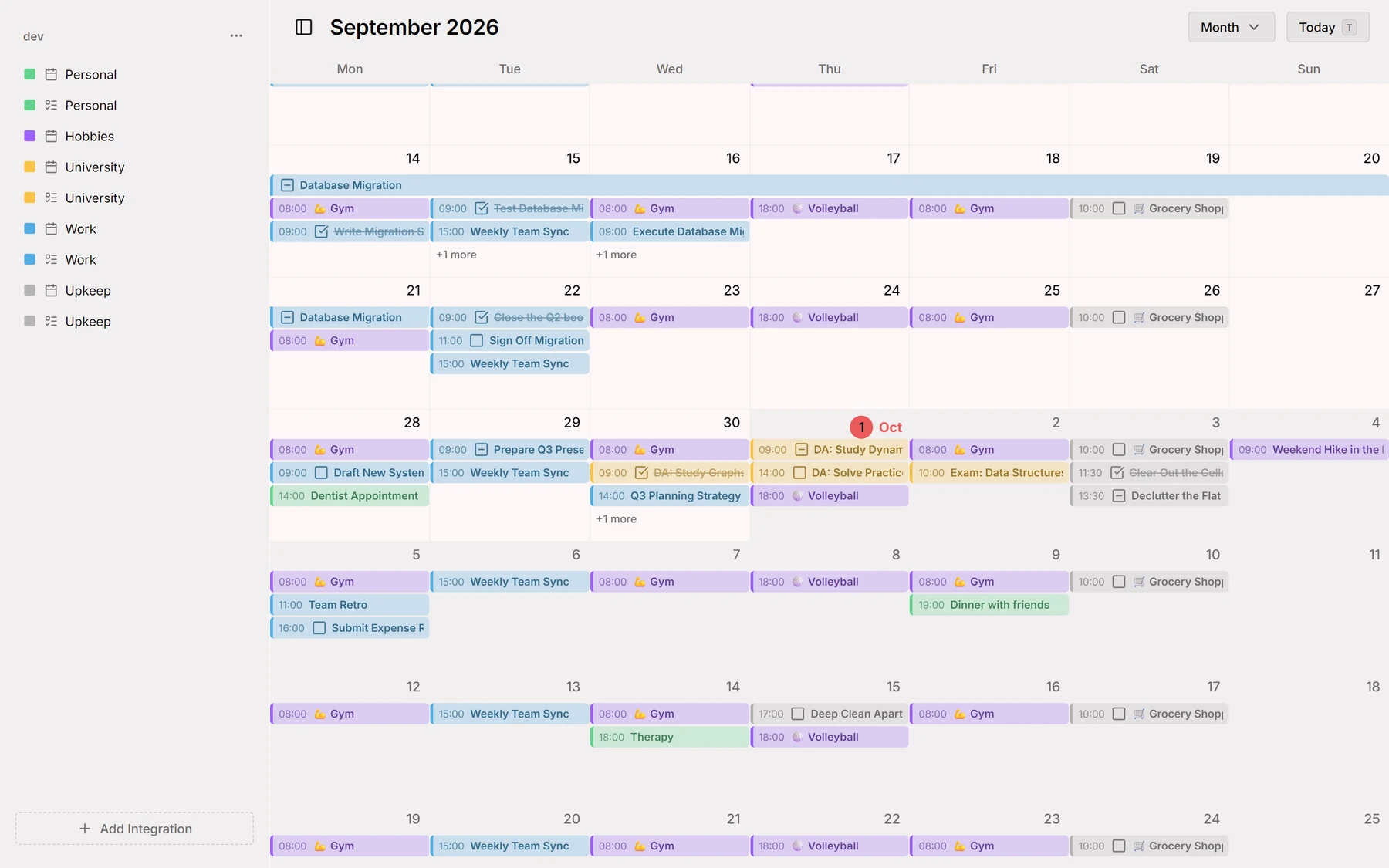
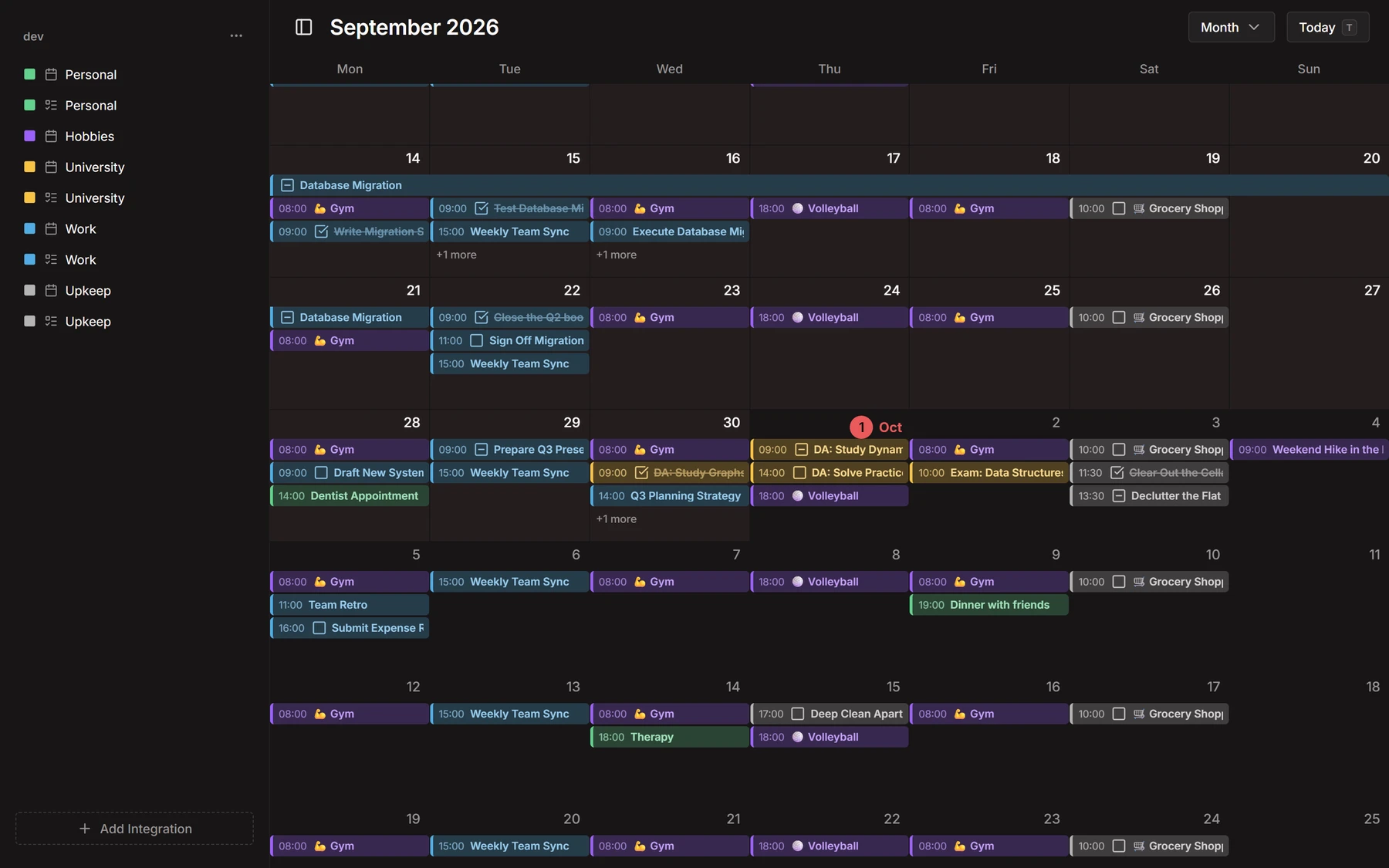
Month view
The month scrolls on without end, a row for every week and a bar for every entry across its days. Switch between it and the week from the header.
Events and tasks
A task sits in the day like an event, with a box to tick when it’s done. Drag in the grid to make an entry, drag it to move it, and give each calendar its colour.
CalDAV
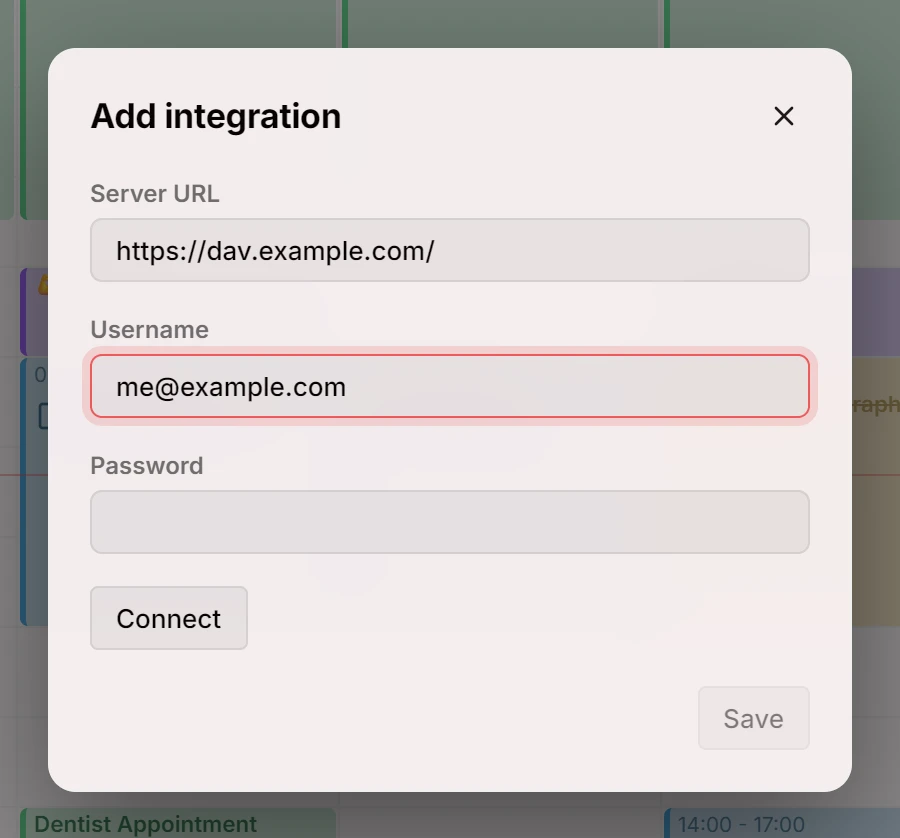
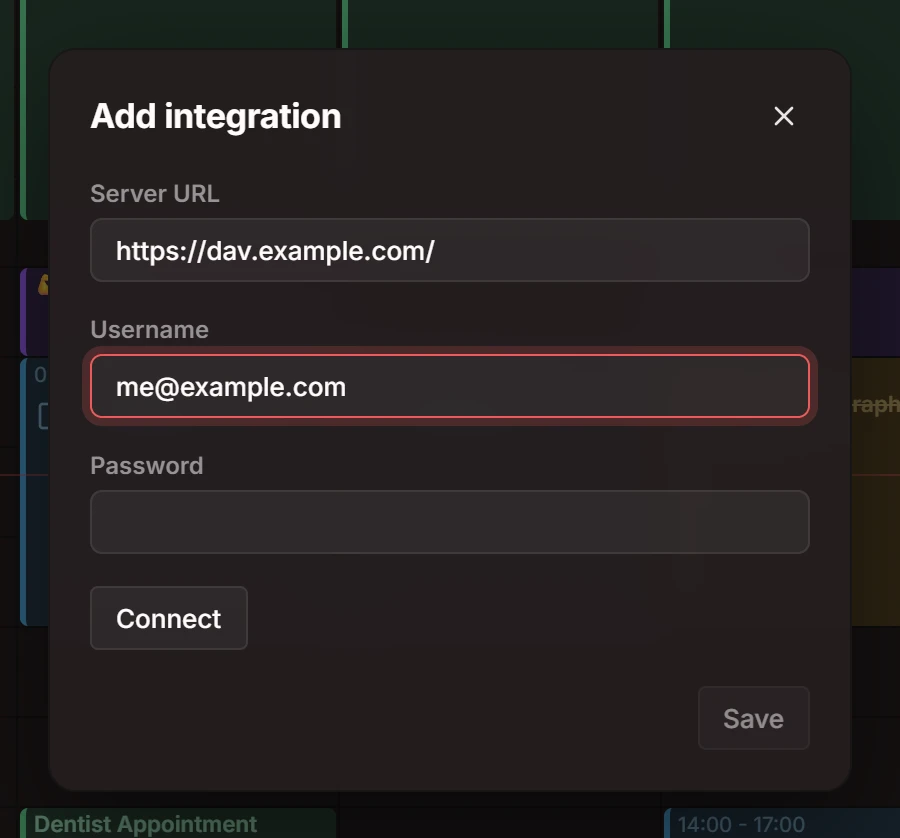
Connect a CalDAV server, choose which of its calendars to show, and Mitra keeps them in step both ways, with changes from elsewhere appearing as they happen.
Markdown notes
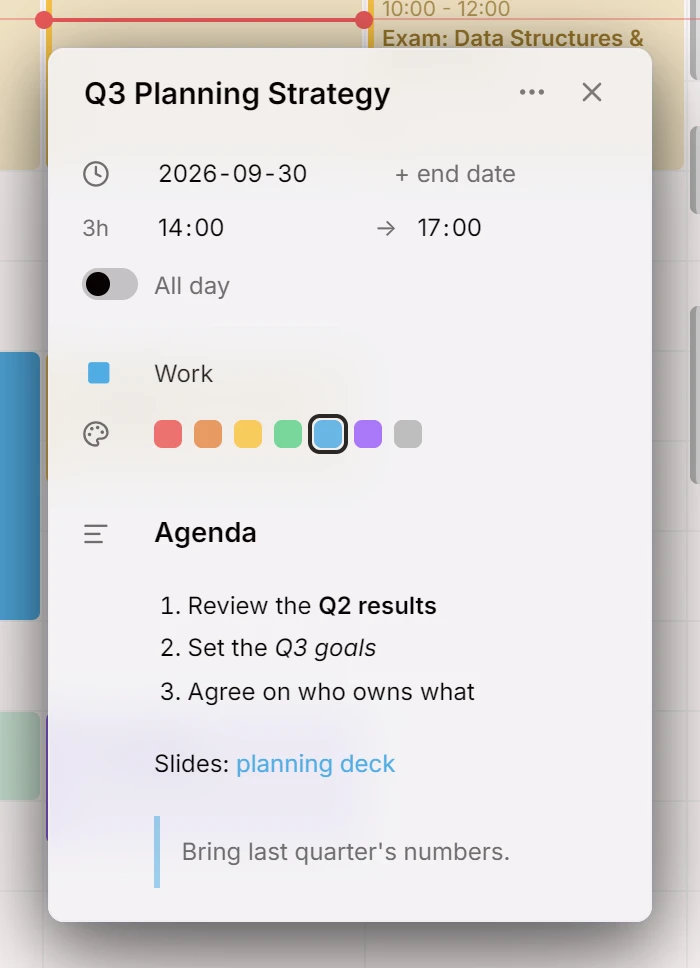
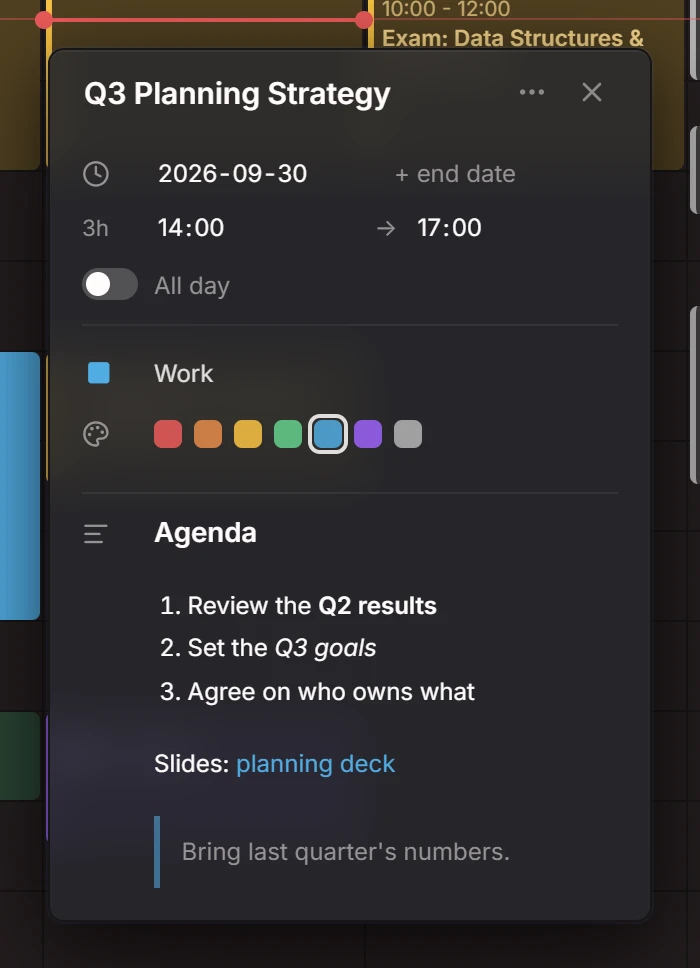
An entry’s description is Markdown: headings, lists and links read as such, and stay plain text for every other app.
Contributors
Everything in 0.1
26 features · 3 refactors · 10 maintenance changes
Features
- Edit date, time, and all-day in entry details3a71ea3
- Add task status indicator1770e97
- Choose a default source for new entries5355978
- Support changing entry date time via drag & drop66a099a
- Add support for iCloud synchronization (#1)4235641
- Create entries via drag & drop34f1078
- Support selecting and syncing colors for sources and entries8a6b1a7
- Support placement of all-day entriesebab2a1
- Option to delete entriesde0951a
- Support CalDAV tasks0bb8ade
- Support markdown description1930d9f
- Manage integrations and activate their sources990f6e1
- Add two-way integration sync engine84b6922
- Add view switcher4652429
- Add "Today" button704ecd7
- Add event details overlay147c19c
- Add ability to hide entries of a given source via the new sidebar1470b40
- Implement real-time updates98daa37
- Scrollable time axis1b96b8c
- CalDAV one-way cache and sync engine870d59e
- Slick design distinguishing surface and background colorsdb55922
- Add current time line3f61baa
- View transition for events2ae85b3
- Support light and dark modesad58e2a
- Month view with infinite scrolling2885781
- Daily calendar view with an interactive 24-hour time axisdea185c
Refactors
Plus 10 maintenance changes on GitHub: tests, builds and chores.