
Month view
The month view shows weeks as rows, with each entry as a bar across the days it covers. Open it with M.
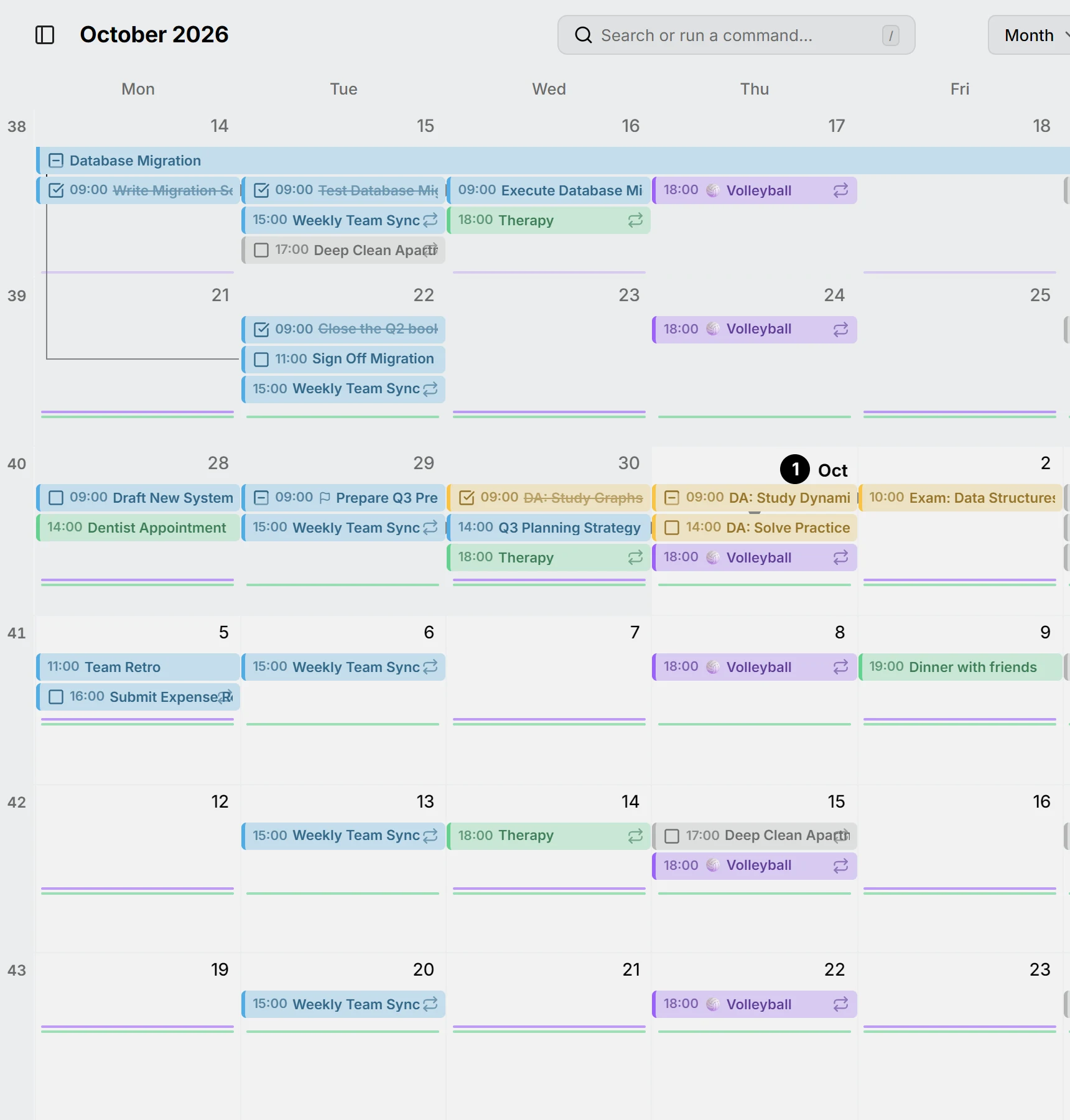
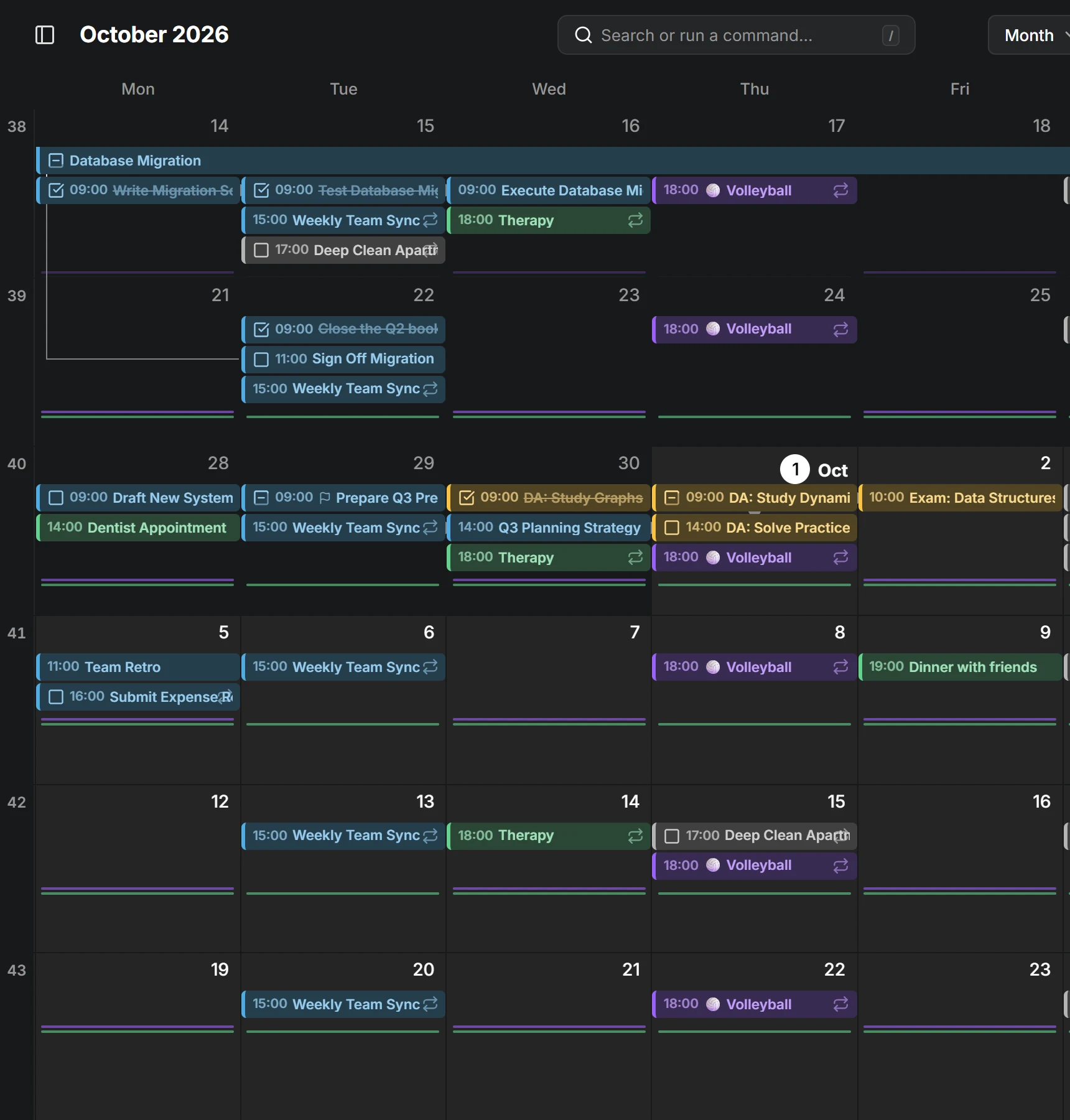
Things that happen very often, like a daily workout, don’t get a bar each. They show as small marks under the days instead; see Routines.
When a day holds more entries than fit, the rest fade out at the bottom of its row. Zoom in with Ctrl and scroll to give each week more room, or zoom out to see up to nine weeks at once.
Week numbers run down the side. Click one to open that week in the week view.
Drag across days to create an all-day entry, drag an entry to another day to move it, or drag its end to make it longer or shorter.