
0.6Latest
Calendars in Mitra, table view, due dates
This release gives Mitra calendars of its own, lays your entries out as a table, and gives tasks the constraints they were missing: a due date, an estimate, and the hours you keep free. It also speaks Persian, calendar included.
Mitra calendars
A calendar can live in Mitra itself, with no account behind it and nothing to sign in to. Install Mitra, add a calendar, and start planning. It shows up on every device you use, and its entries can move to a connected account whenever you connect one.
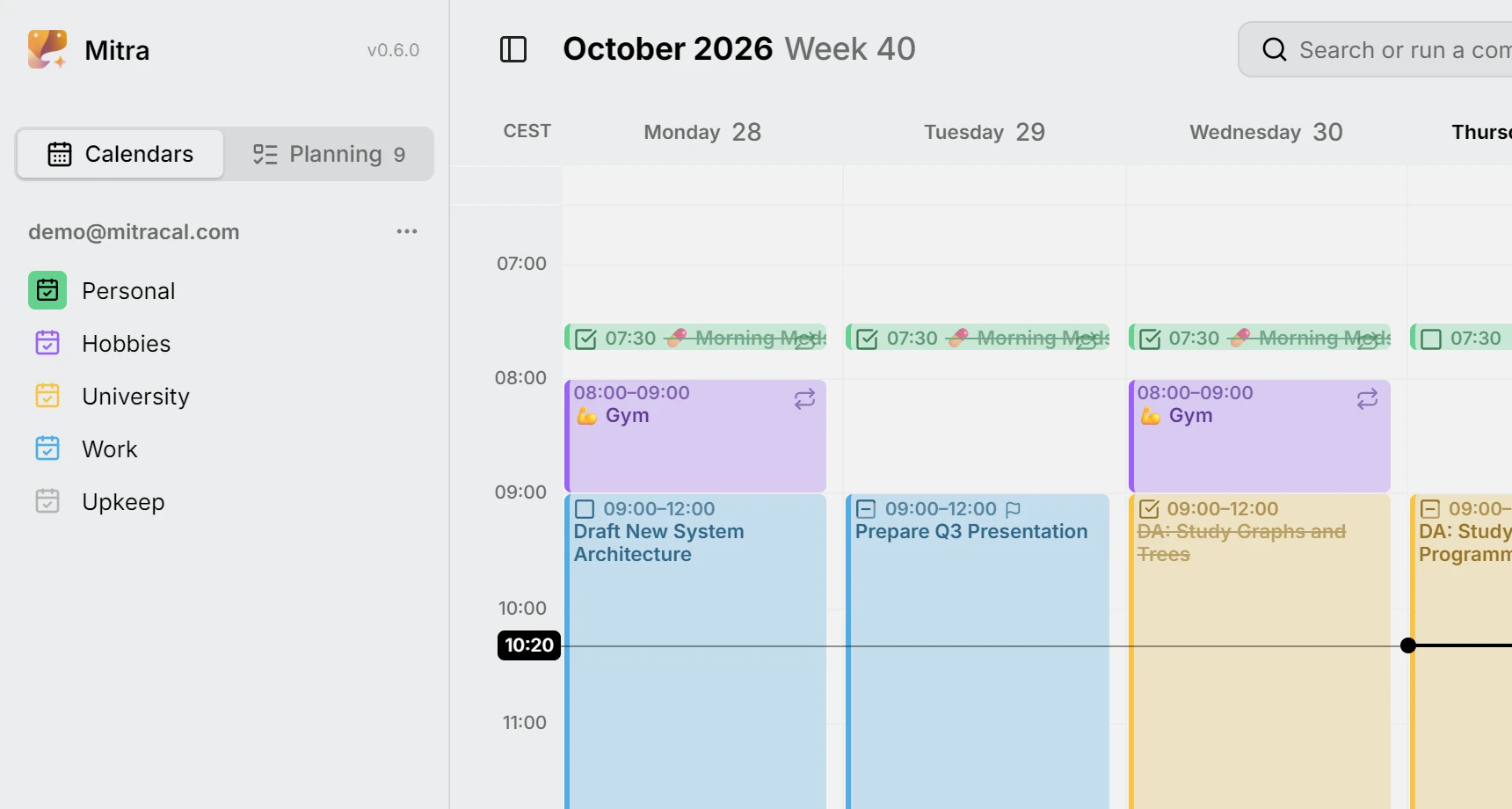
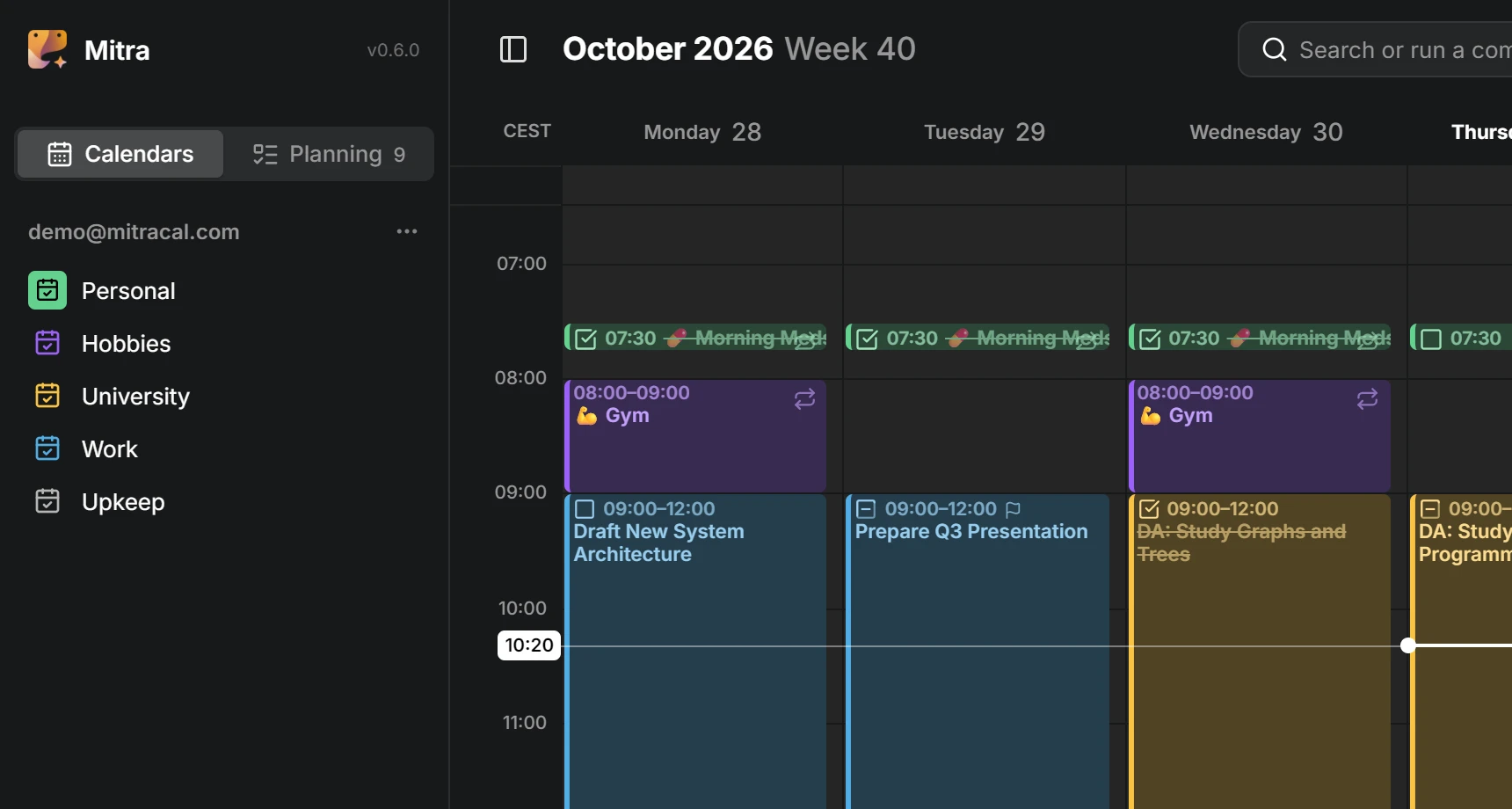
Table view
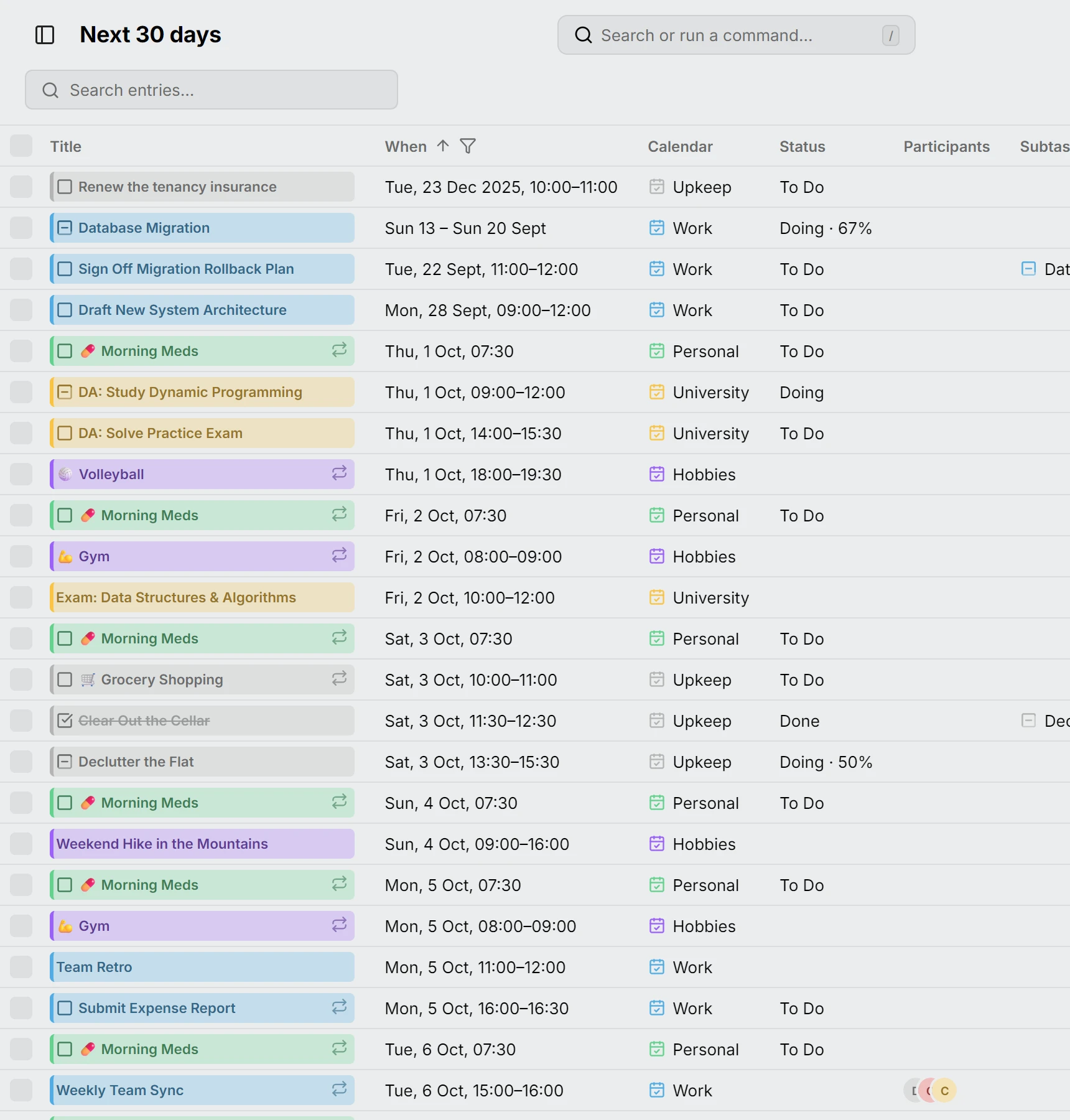
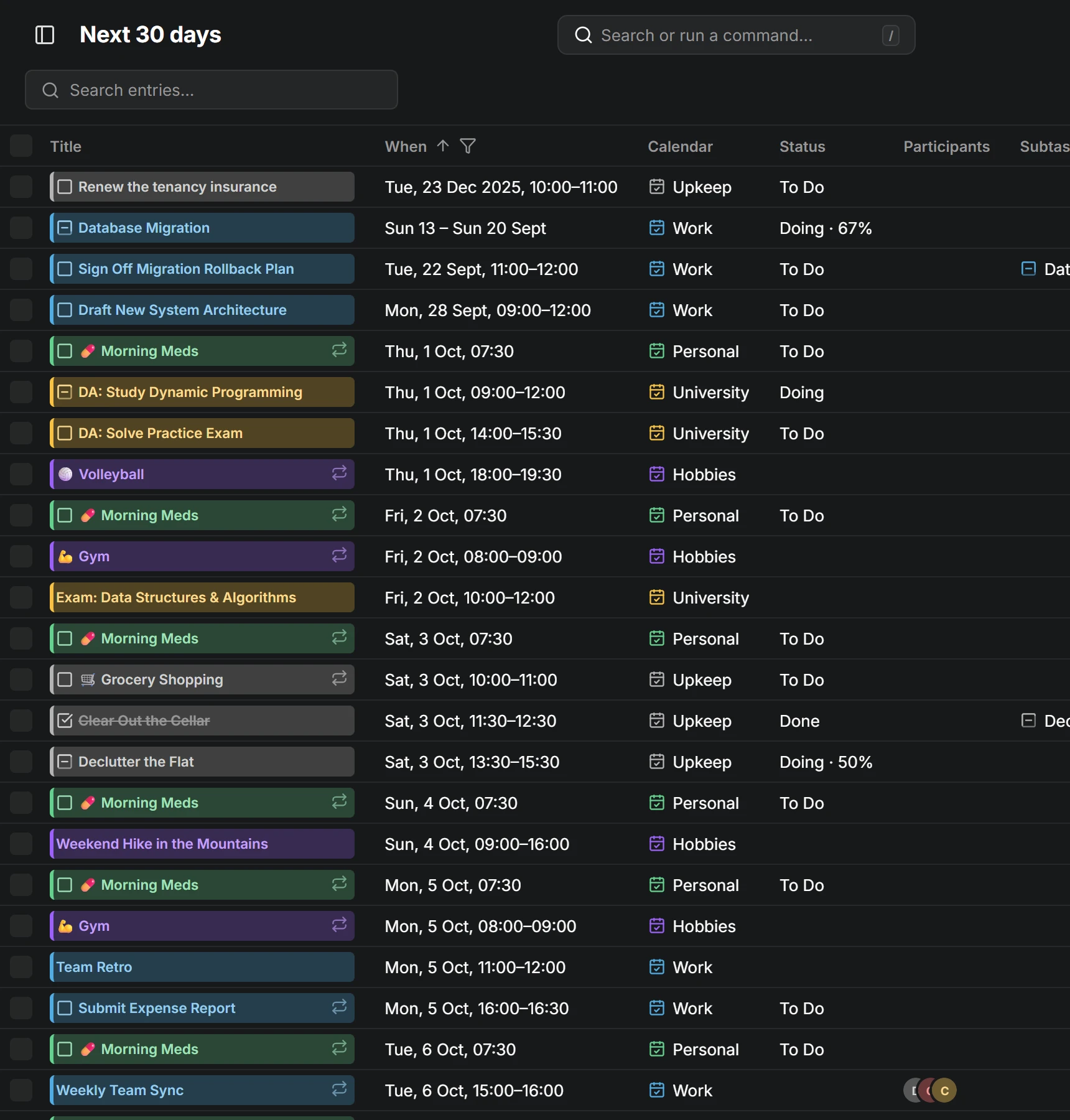
Every entry as a row. Pick the days to list, from the past month to everything you have, search across titles, places and descriptions, sort by several columns at once, and filter by status, calendar, type or repetition. Select rows to change many at once. The title is the same chip the calendar draws, so an entry opens right there.
Due dates and estimates
A task can carry a due date and an estimate before it has a time. Unscheduled tasks line up in Planning by what is due first, and when you drag one onto the week, the estimate becomes its length. Tasks that slipped past their day gather in an Overdue section above them.
Checklists in descriptions
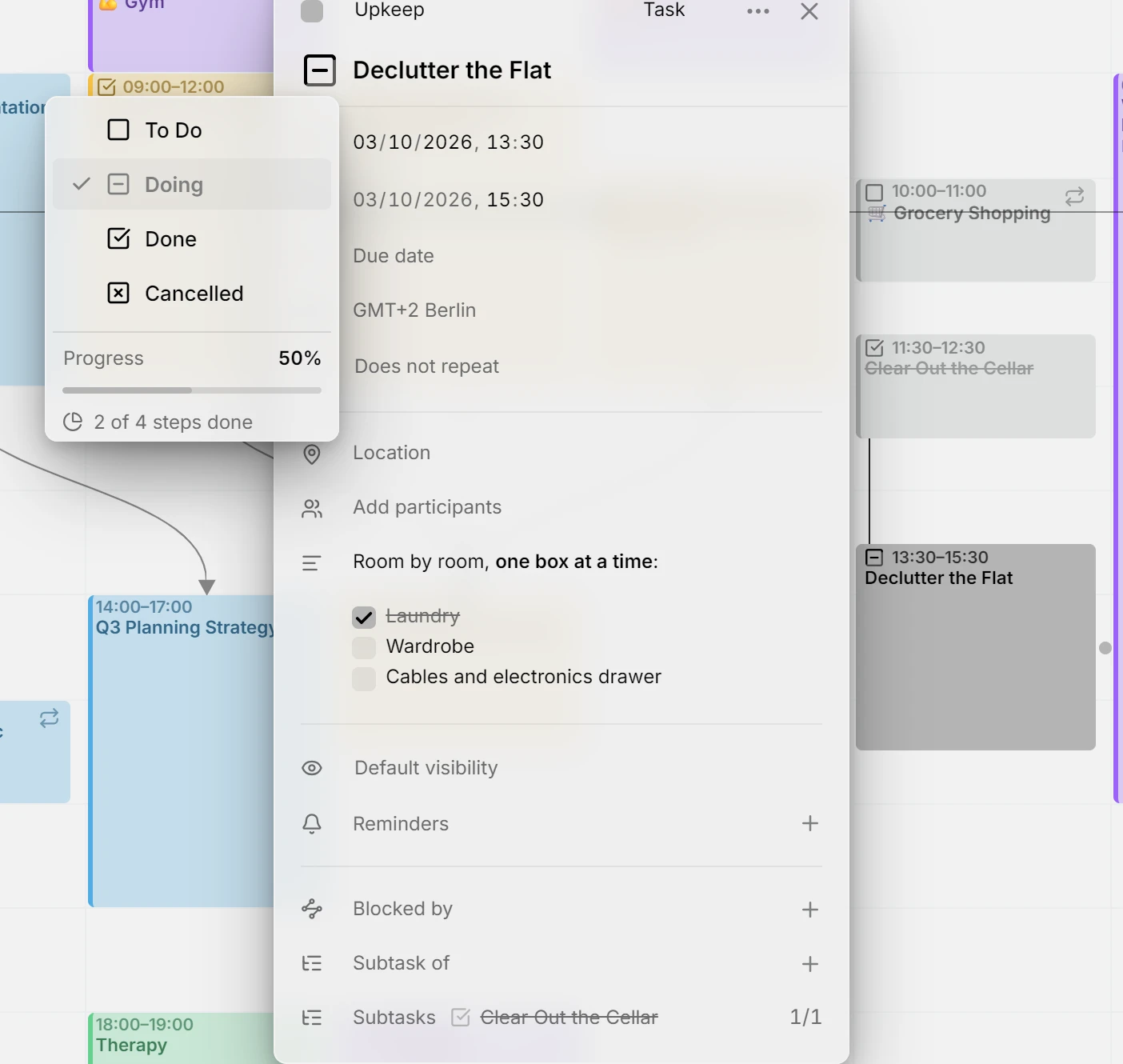
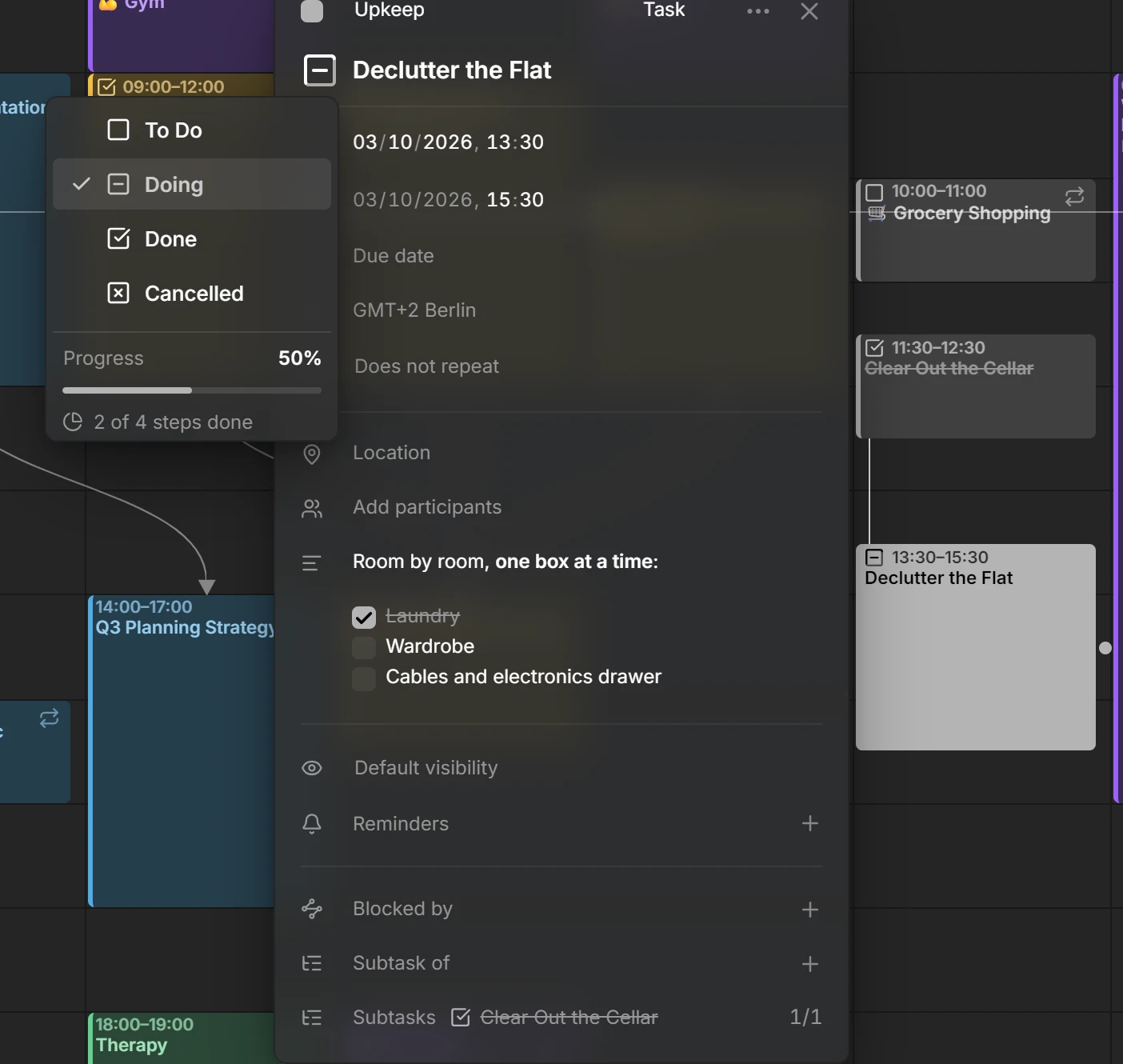
A task’s description can hold a checklist, written in Markdown, and the boxes are real: tick one in the editor and Mitra writes it back into the text, so every other app on that calendar sees it too. Boxes and subtasks count together, each one step: a task with three boxes and one subtask has four, and with a box ticked and the subtask done its status menu reads 2 of 4 steps done, while the ring on its chip fills to half.
Availability
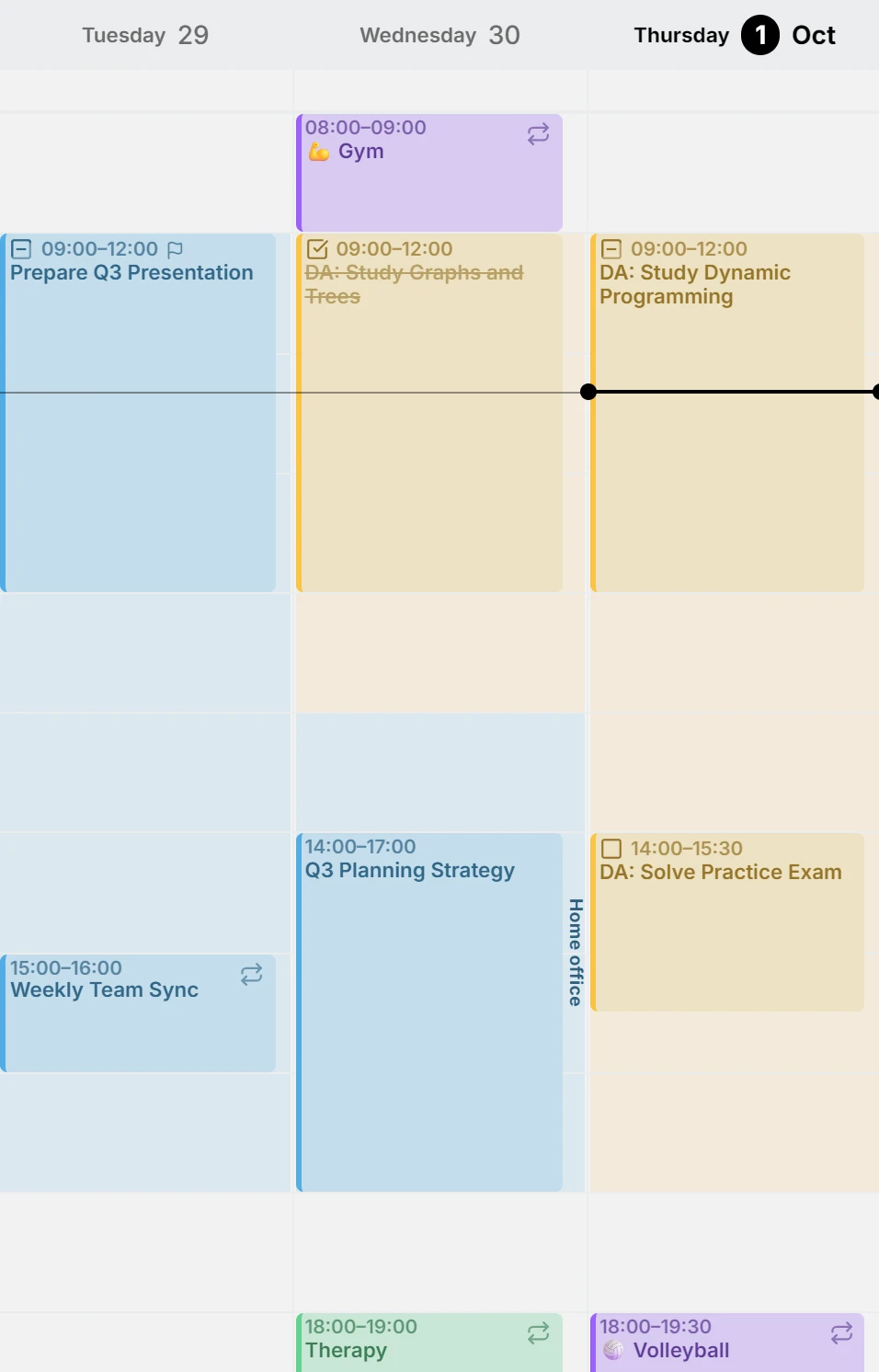
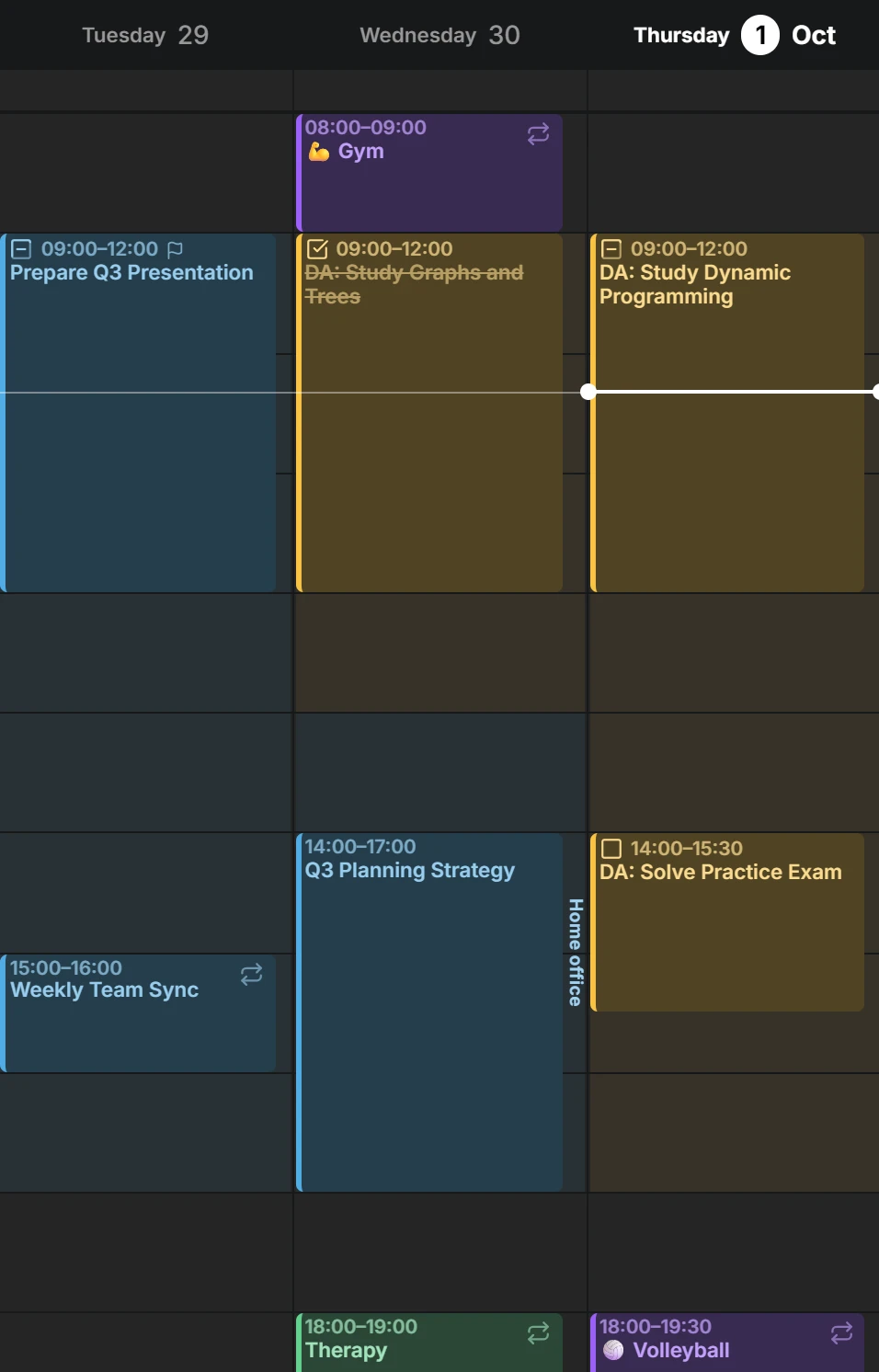
Draw the hours you work, train or keep free, in any calendar. They shade the week view so that the open hours stand out. Busy ones show as busy to the people you share a calendar with, and free ones stay yours.
Persian calendar
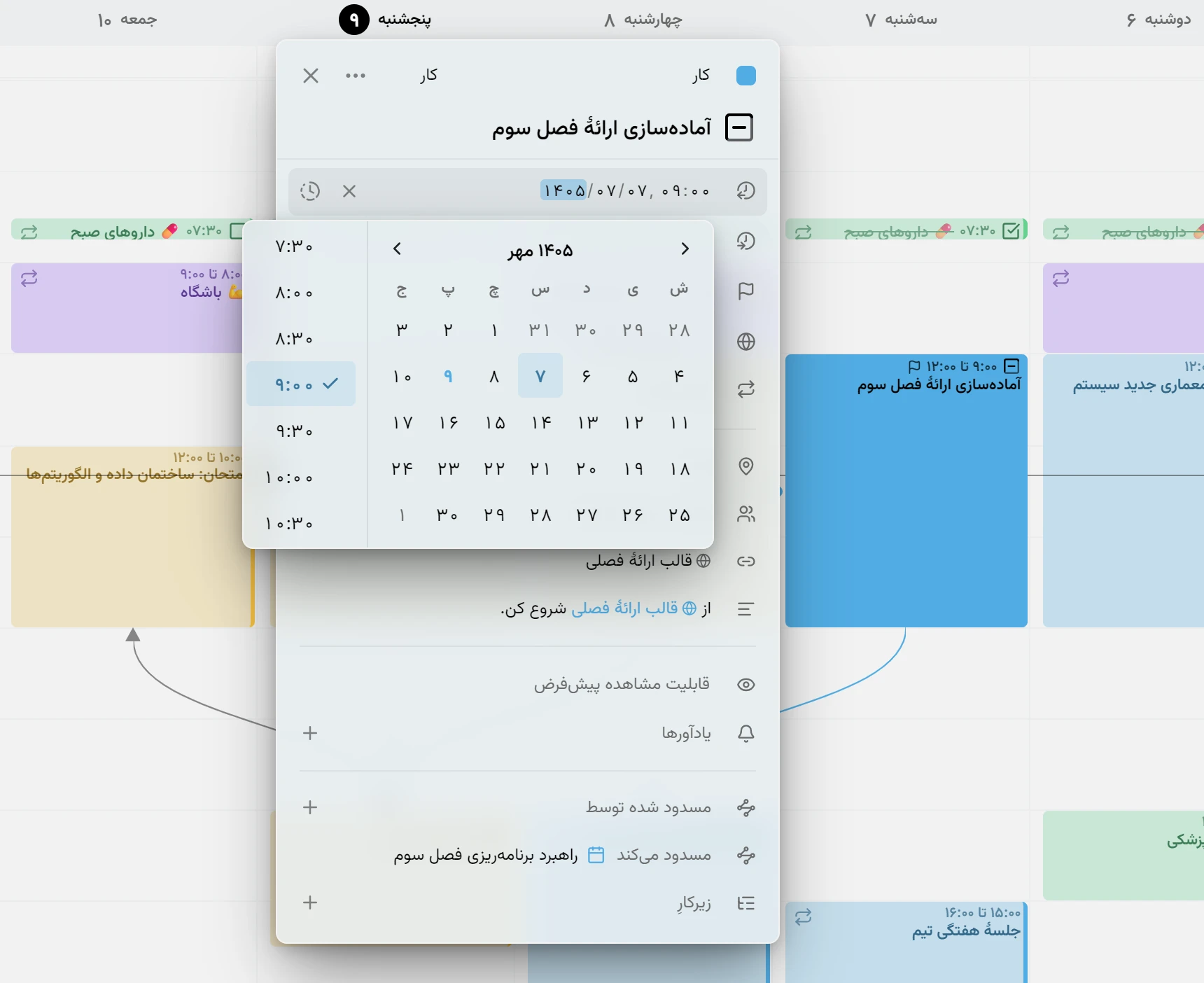
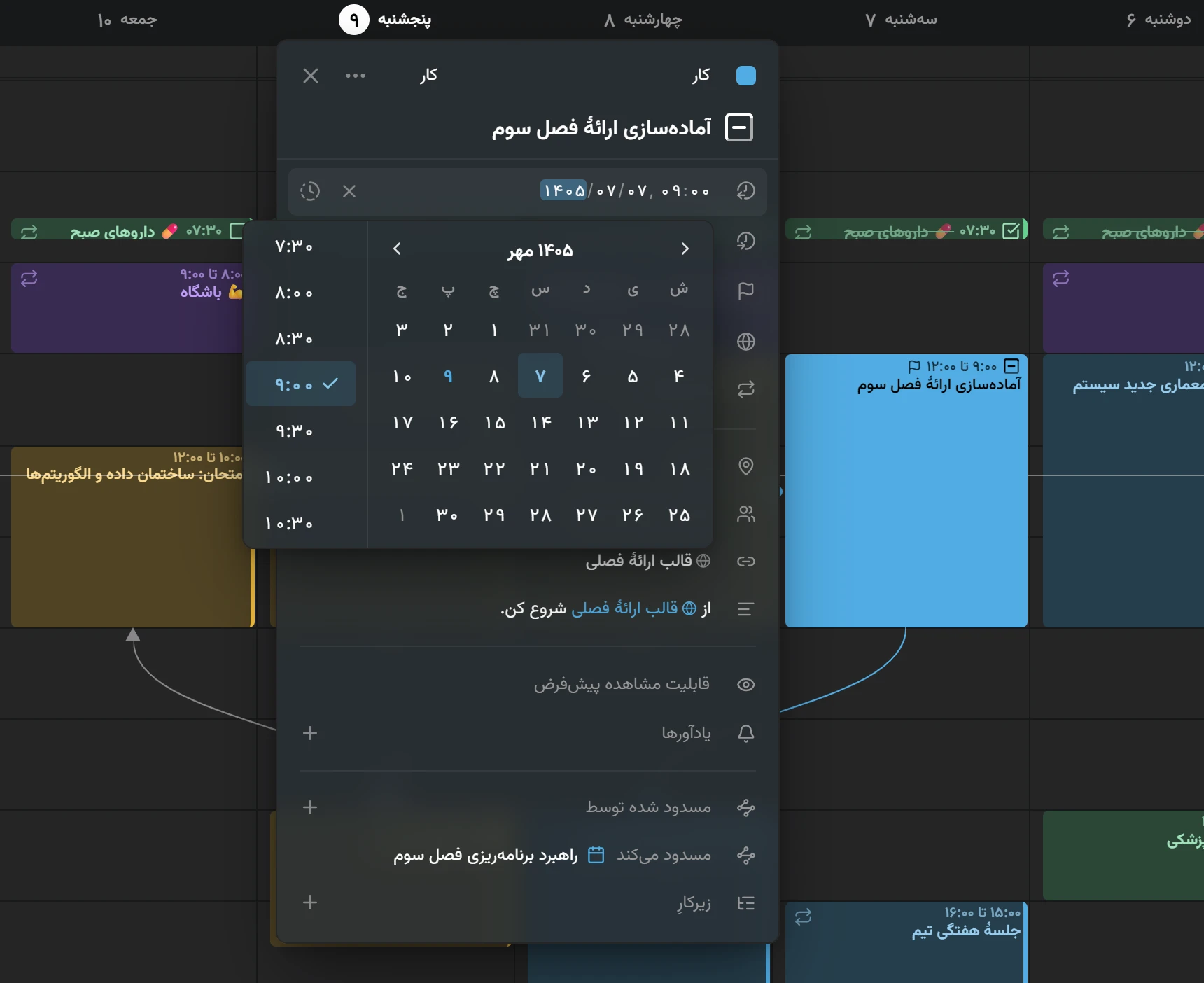
Mitra speaks Persian, and with the language comes its calendar: Persian months and weeks in the headers and the pickers, and dates typed the way Persian writes them. Your entries stay where they are. Only the way they read changes.
Links in one row
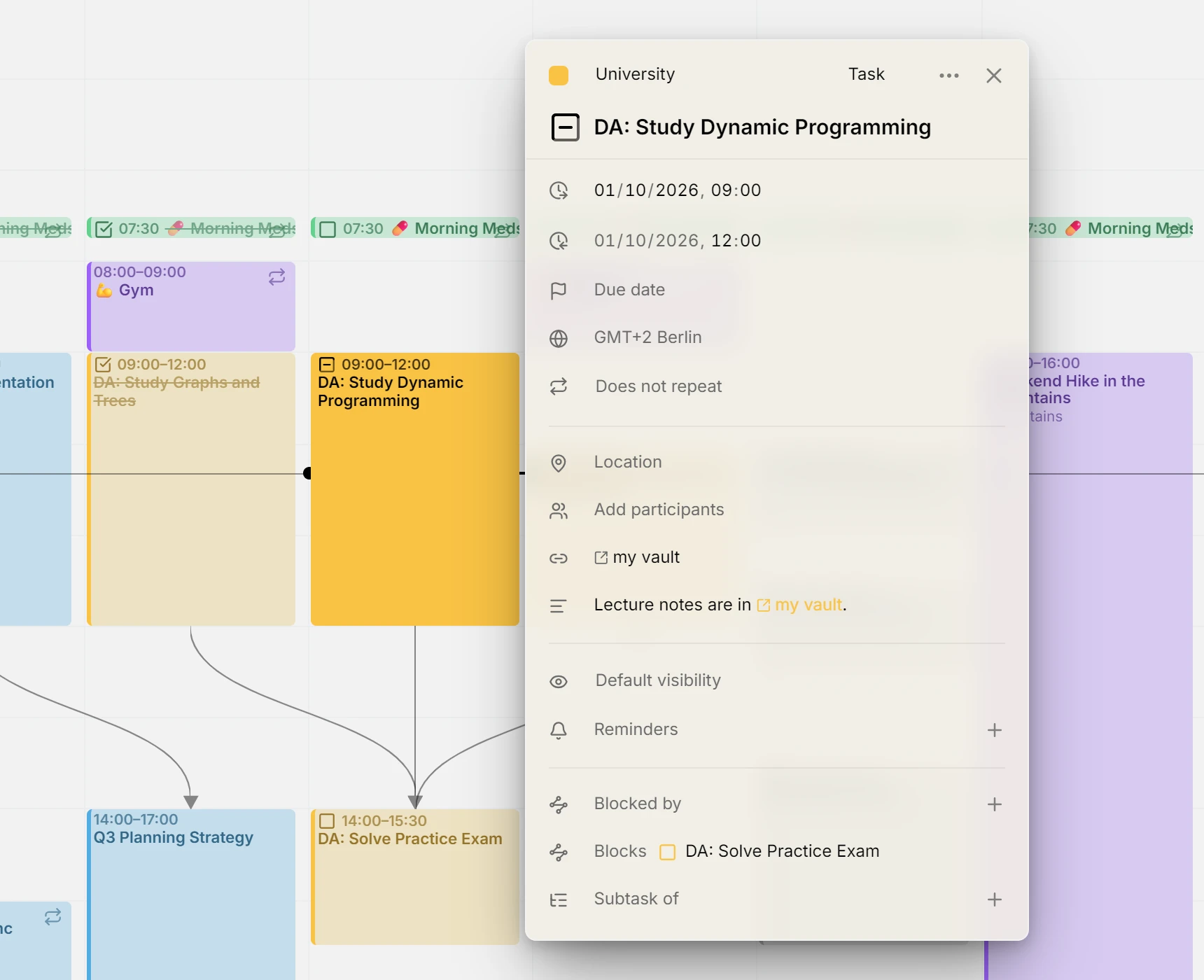
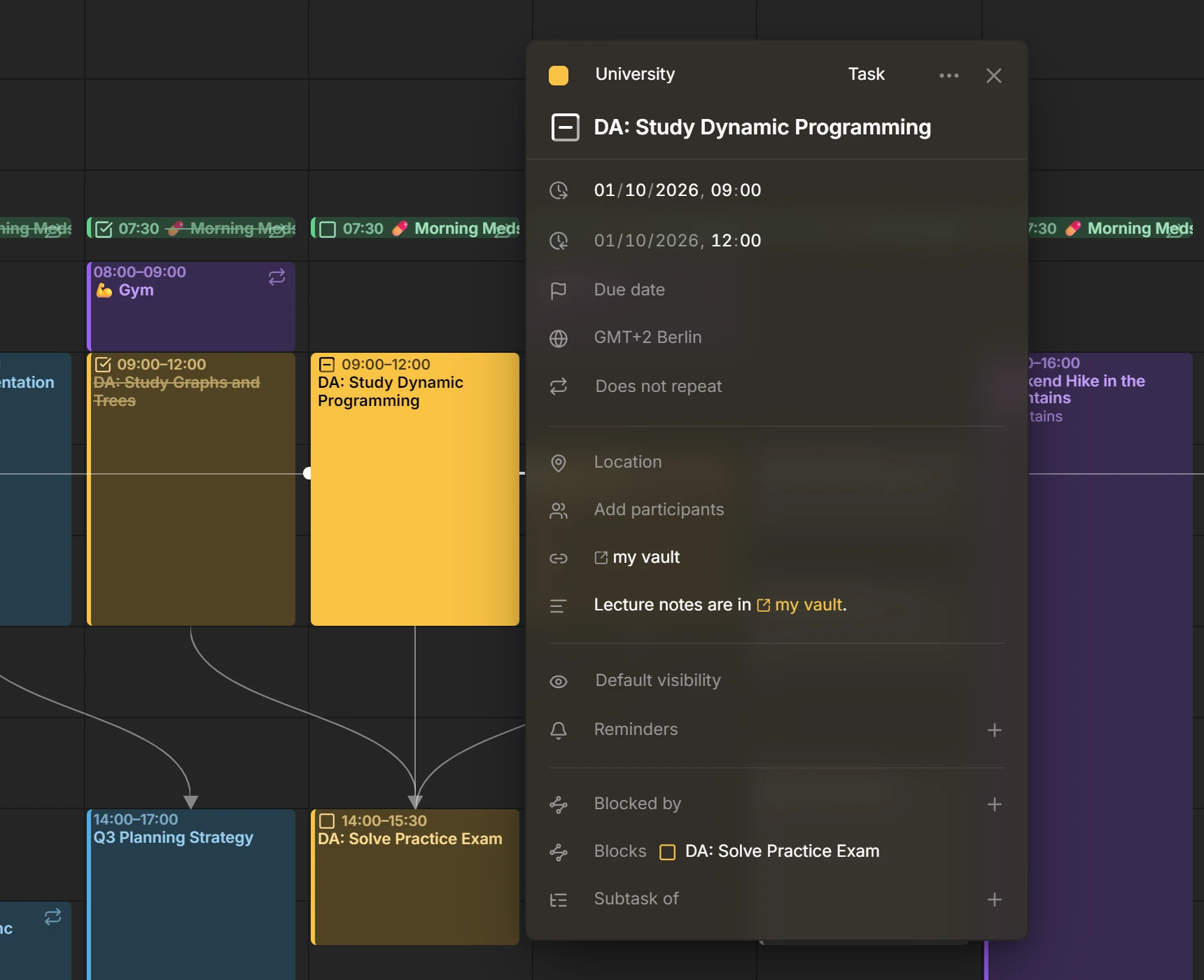
Every link in an entry’s description or location gathers in a Links row of the editor, named by where it goes: a page by its site, a meeting by its service, a note by its app. A location that is a link shows as that link.
Contributors
 @a11delavar
Everything in 0.6
24 features · 7 improvements · 2 documentation changes · 1 refactor · 2 maintenance changes
Features
- Enhance date-time related rows alignment when editing entries1ed0063
- Reorder unscheduled tasks by draggingc2c90cf
- Gather descriptions links in a dedicated row in the entry editor01b5b80
- Due dates and estimates for tasks8b48aeb
- Availability451e4c1
- Clearer reminders with a Done button, separate defaults for events and tasks, and named devicesb3f5fb8
- Persian translations0359636
- Create calendars that live in Mitra itself19f98ce
- Localized date and time fields1190f8a
- Table Viewaac5361
- Enhance header with navigation and create buttons2ba54b4
- Set Mitra as default calendar app25e2153
- Keep your calendar view and opened items across reloads and shared links16baa13
- Overdue tasks planning198cce0
- Import calendar entries asynchronously4912697
- Add setting to hide completed tasks from calendar viewsd14cb70
- Improved reminder delivery and device management249c09a
- Week numbers in month view8b2ac3c
- Settingsaf4eb61
- Support description task checklists901740e
- Detect multiple recurrence chains as routinesa8e3f6e
- Source migratione296a44
- Support CalDAV sync-collection pagination2e0b7c6
- Subscribed calendars9b4b545
Improvements
- Add static asset pre-compression and dynamic HTTP response compression5d54919
- Repeating tasks keep their dates when moved to Unscheduled or edited one occurrence at a timeac1a773
- Open recurring entries from the command paletteb99adaf
- Enhance sheets behavior3af9a47
- Bypass recurring scope dialog on task progress and completion9816856
- Fix certain Notion elements not handled in the description2e07958
- Sync a task's status to Notion when it is ticked off27e9fdb
Refactors
- Streamline and condense code comments across entire codebase9d6e414
Plus 2 maintenance changes on GitHub: tests, builds and chores.