
Location
The location field in the entry editor suggests places as you type. It needs no API key and no sign-up: Mitra uses Photon, a free, open-source geocoder built on OpenStreetMap.
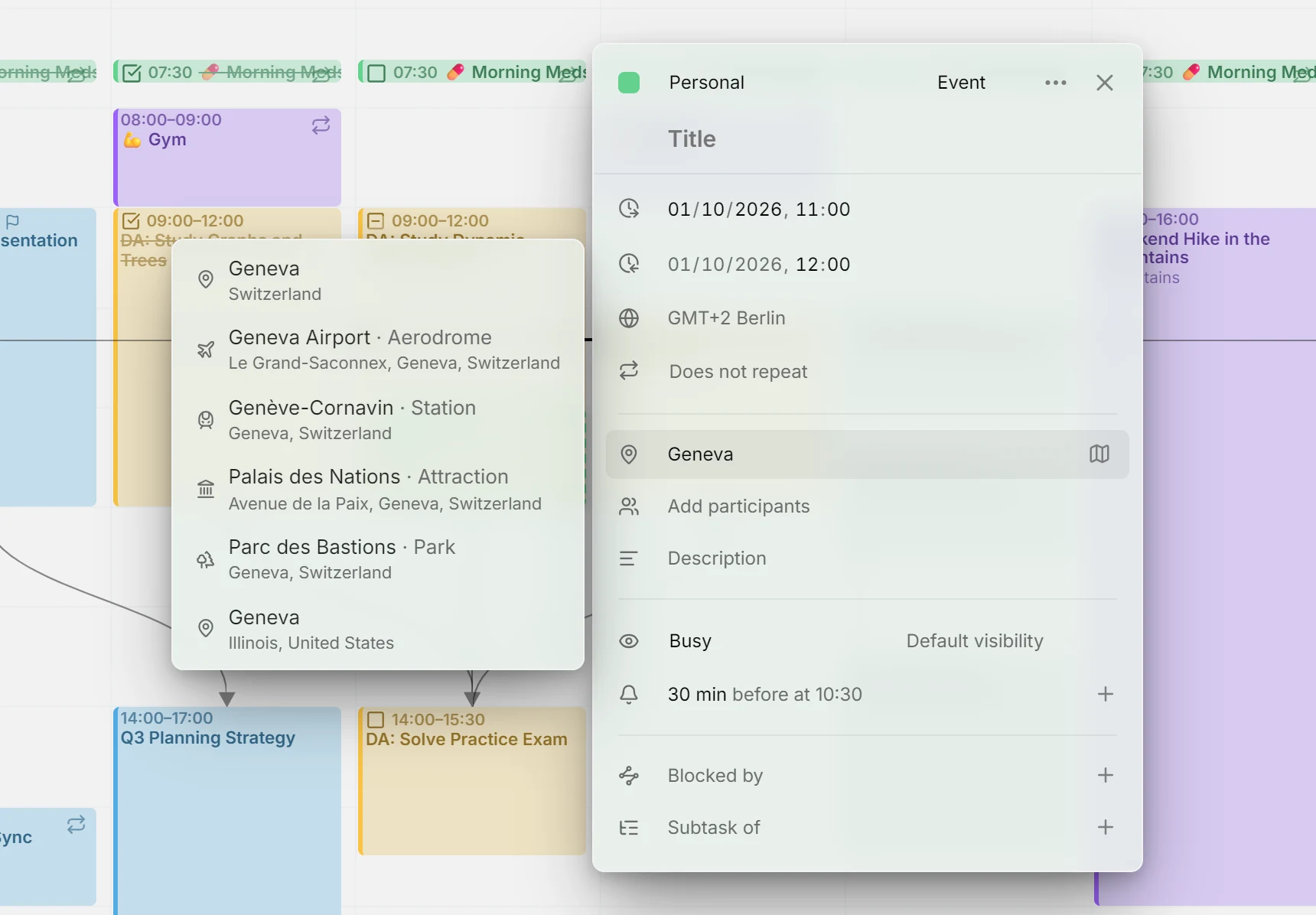
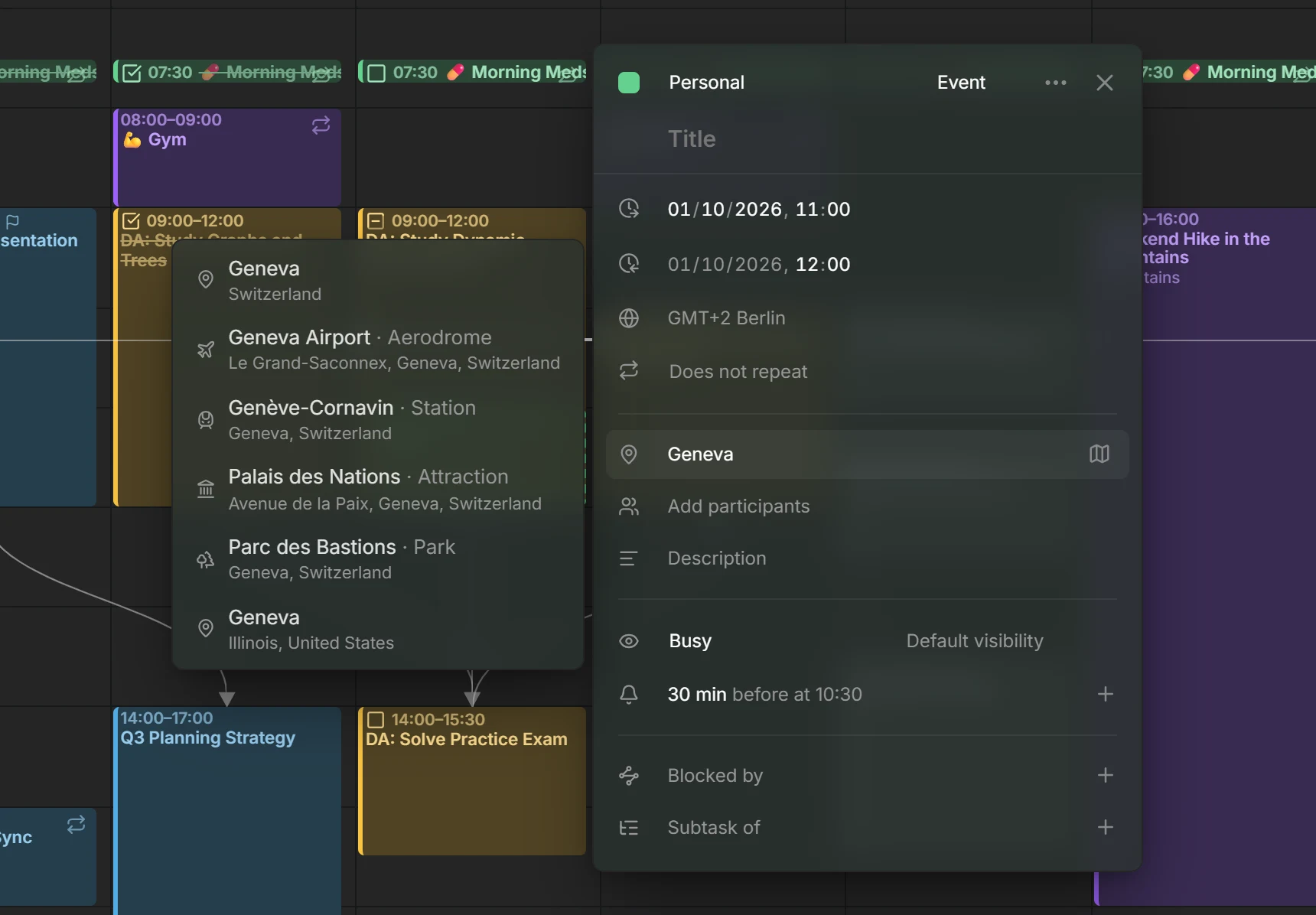
Suggestions
Section titled “Suggestions”Click into the location field to see places used recently in your calendars. As you type, they narrow to the ones that match, and from the second letter on, places from Photon join them. Pick one to fill in its name and address, or keep typing: a location is plain text, and you can write anything you like. The map button beside the field opens the location in Google Maps.
Suggestions favour places near you. The first time you click into the field, your browser may ask whether Mitra may use your location. If you allow it, your position goes along with each search, so nearby places come first. If you don’t, suggestions still work, without that preference.
Photon names places in English, German or French when your browser is set to one of them, and in the local language otherwise.
Notion and Tempo calendars have no location, so their entries have no location field.
Privacy
Section titled “Privacy”Your browser never contacts Photon. Searches go to your Mitra server, which asks Photon and passes the answers back, so Photon only ever sees your server’s address, not yours. It does see what you type and, if you allowed it, your position.
Recent places come from your own calendars only. On a server with several users, nobody sees another user’s places.
Use your own Photon server
Section titled “Use your own Photon server”By default, Mitra asks komoot’s public Photon server, which has fair-use limits and no promise to stay up. To stop relying on it, host Photon yourself and point Mitra at it with MITRA_PHOTON_URL:
environment: MITRA_PHOTON_URL: 'https://photon.internal.example.com'After a restart, searches go to your server. Nothing changes in the app. See Configuration for the other settings.
Troubleshooting
Section titled “Troubleshooting”If only recent places show up, Photon didn’t answer within five seconds or refused the search, which happens when the public server is busy or limiting requests. Mitra writes a warning to its log. The field still takes anything you type, and your own Photon server avoids the problem.
If places are named in an unexpected language, that’s Photon’s limit: it only knows English, German and French, and uses each place’s local name for any other language.