
Year view
The year view shows each month as one row of days, so the whole year fits on one screen. It’s the place to find a free week, or to see how a trip lines up with everything around it. Open it with Y.
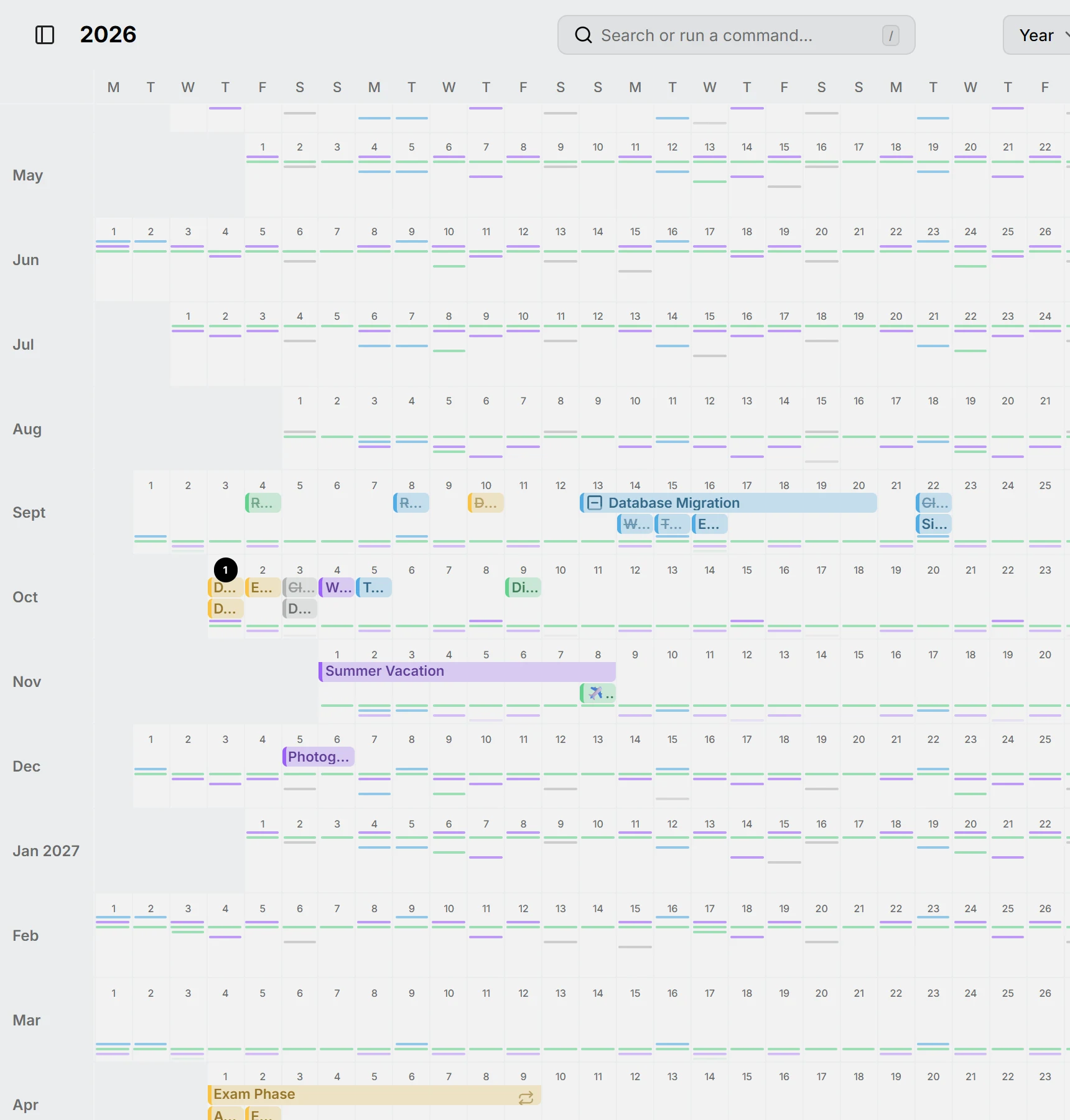
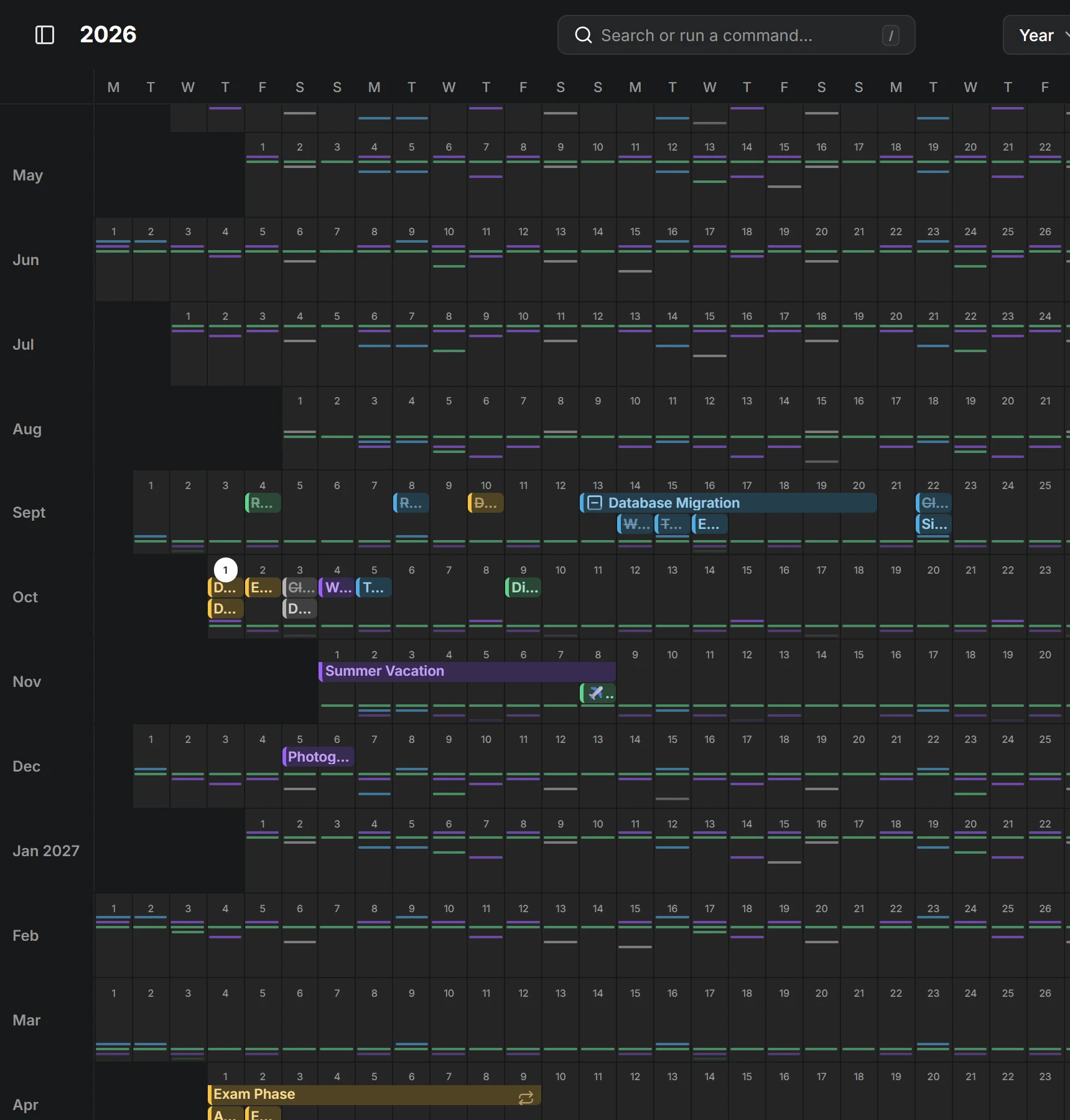
Entries show as bars across their days. Things that come back often, even monthly, show as small marks instead; see Routines.
Drag across days to create an all-day entry, and drag an entry to move it or its end to change its days. Click a month’s name to open it in the month view.
Zoom with Ctrl and scroll to give the rows more room.