
Timeline view
The timeline shows your open tasks that have a date, one per row, in date order. Each bar spans the task’s schedule, so you see at once which tasks run side by side and which come one after the other. Open it with L.
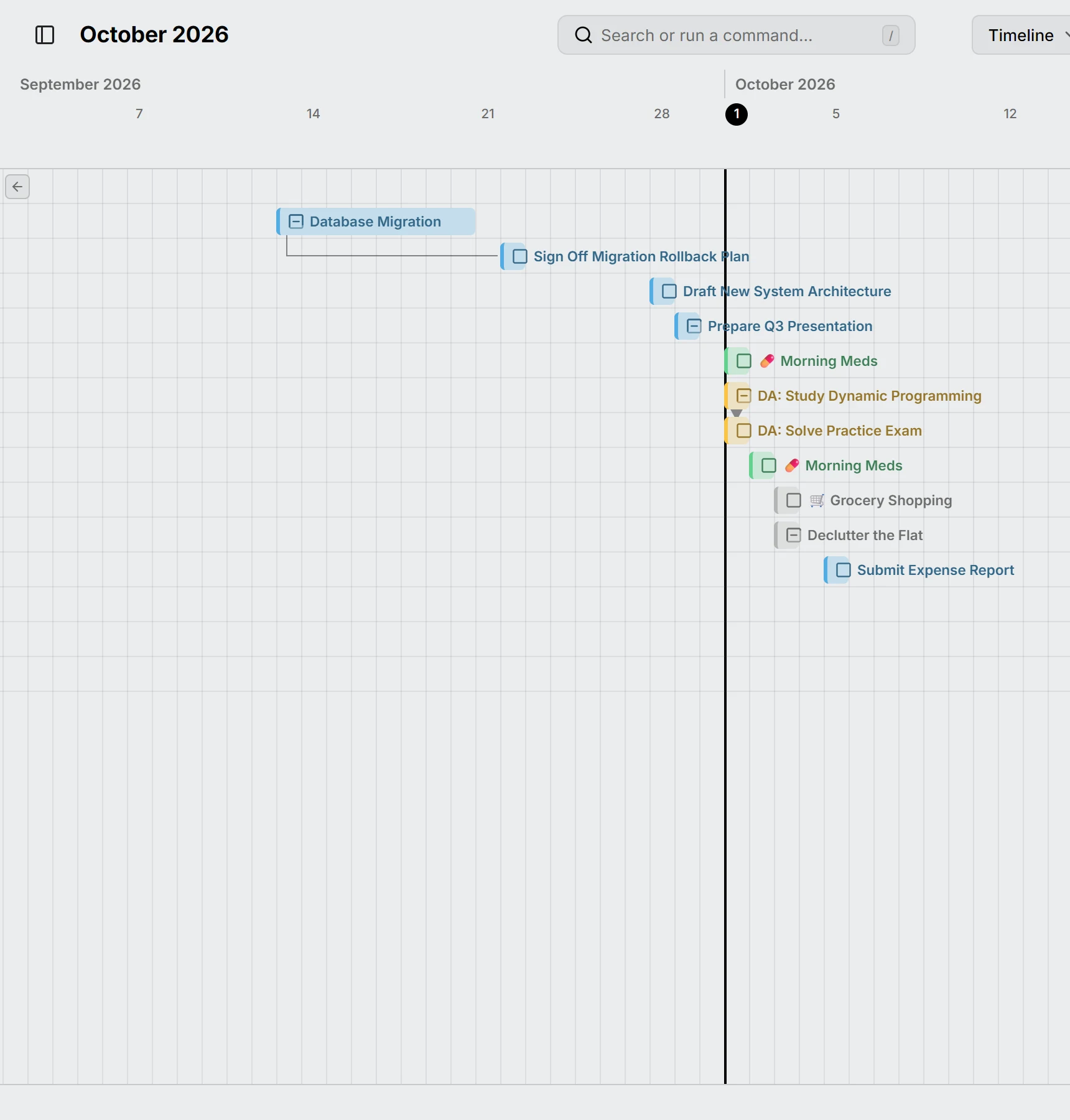
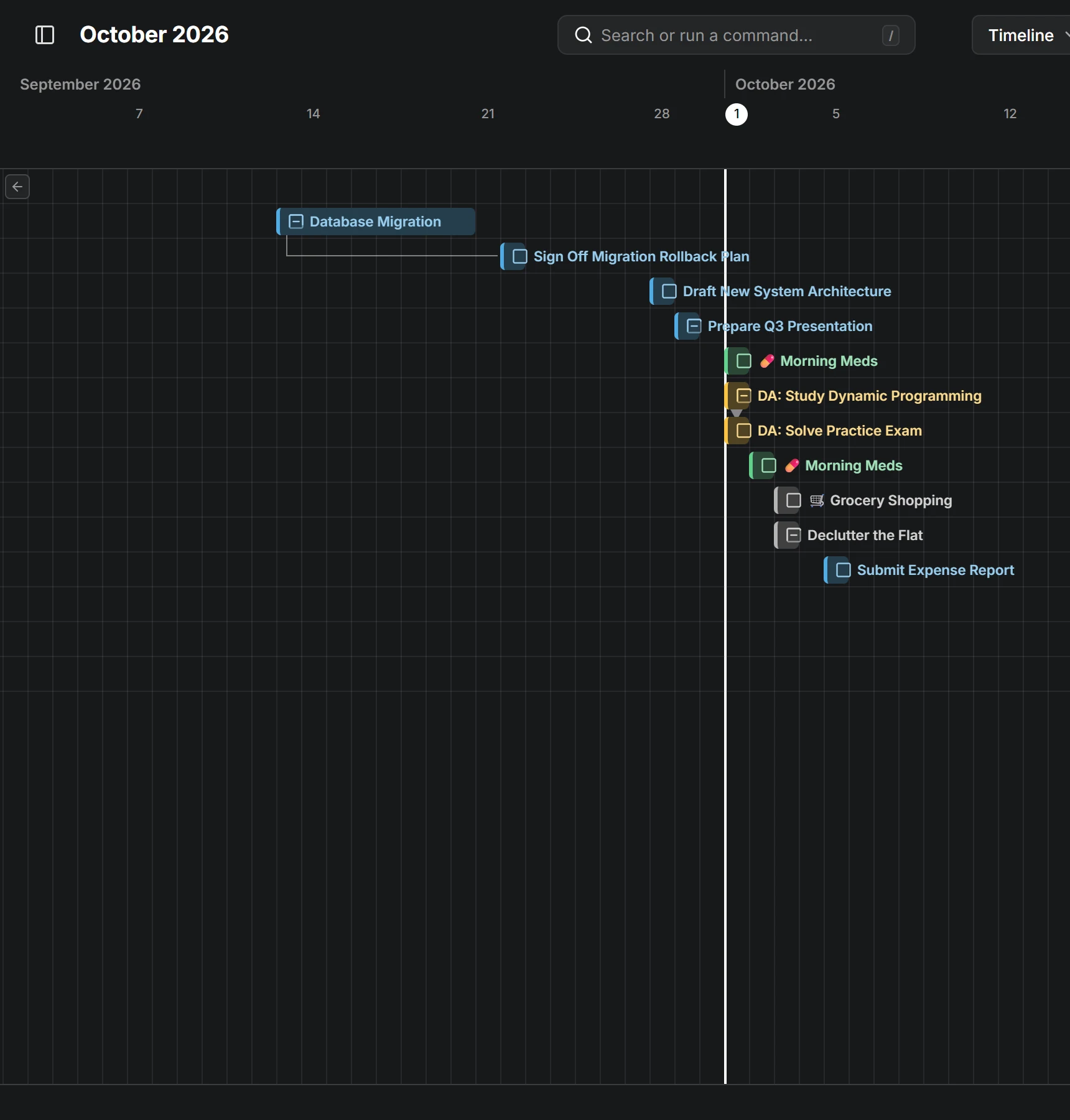
A task’s title sits beside its bar. When a bar is scrolled out of sight, a button at the edge of the view takes you back to it.
A repeating task only shows the occurrences that are due, so a daily task doesn’t fill the timeline. Lines between dependent tasks show here too, unless you turn them off in Settings.
Drag a bar to move the task, or drag its ends to change its dates. To add a task, draw it on the empty row at the bottom.
All-day events, like a trip or a holiday, show along the top, and their days are shaded in the event’s color, so you see which tasks fall into them.